No cloud sync

Local-Only

Use QuickReports on a mobile device without cloud synchronization. Your report data stays on that phone or tablet unless you export it.

€35.00

Per user and month

No VAT is charged under § 19 UStG.

Try it for 14 days. Stripe asks for a payment method before the trial; the subscription continues afterward unless canceled.

  • Unlimited local reporting workflow
  • Export and sharing tools
  • Monthly AI usage included per paid seat, pooled across your team
  • Add more AI usage when needed
With cloud sync

Synced

Includes the QuickReports web app, automatic synchronization, and 10 GB of shared cloud storage per paid seat.

€45.00

Per user and month

No VAT is charged under § 19 UStG.

Try it for 14 days. Stripe asks for a payment method before the trial; the subscription continues afterward unless canceled.

  • Everything in Local-Only
  • QuickReports web app included with cross-device synchronization
  • Custom DOCX templates in the web app
  • 10 GB cloud storage per paid seat, pooled for the team
Talk to us

Enterprise

For larger deployments, custom rollout support, and corporate structures.
Contact
  • Custom onboarding
  • Commercial review before launch
  • Contact-led rollout

Set up your trial

Your workspace

Two quick details before secure checkout.

  1. 1 Workspace
  2. 2 Account
  3. 3 Payment

Synced

Monthly

After the trial

You start as the owner

You use one seat and invite your team by email after checkout. Everyone creates their own password. Add or reduce seats later.

This flow creates a new workspace with its own subscription—even when you are already signed in. Manage an existing workspace from your account .

How team roles work

OwnerBilling and full team management

AdminManage the team and edit content

MemberCreate and edit content

ViewerRead-only access

Every role uses one paid seat.

Stripe asks for a payment method. Billing starts after 14 days unless you cancel first. Trial allowances are fixed and do not scale with seats.

All listed prices are final amounts. No VAT is charged under § 19 UStG. Paid allowances apply per user and are pooled in the workspace. The 14-day trial uses fixed, non-seat-scaled allowances.

01

Capture and structure

Everything that belongs to a report stays in one place.

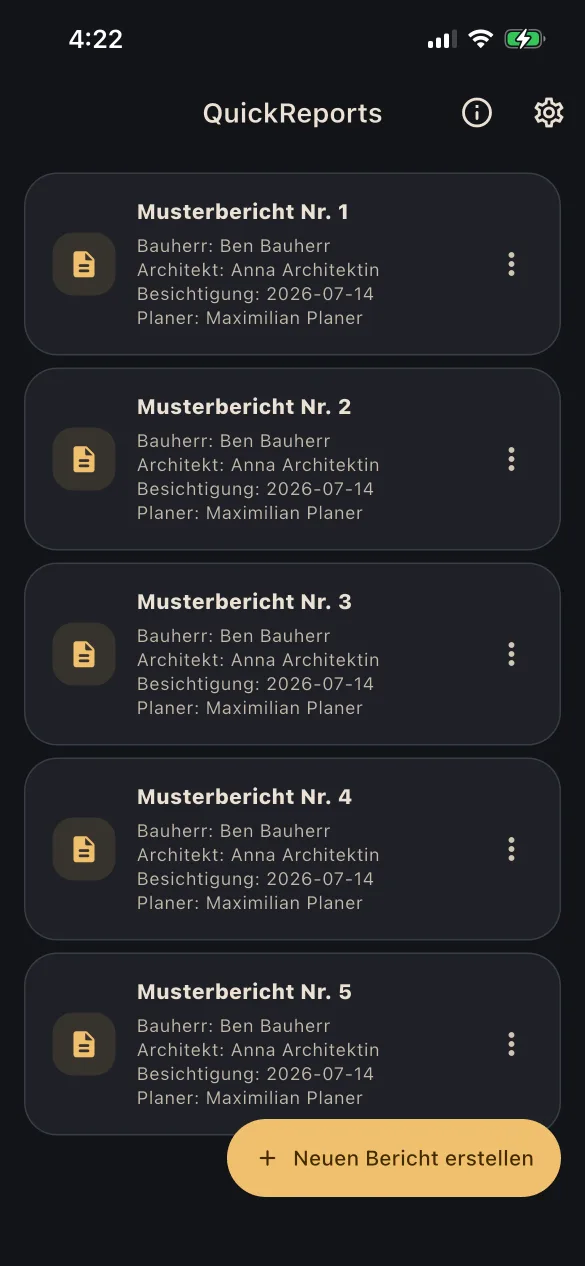
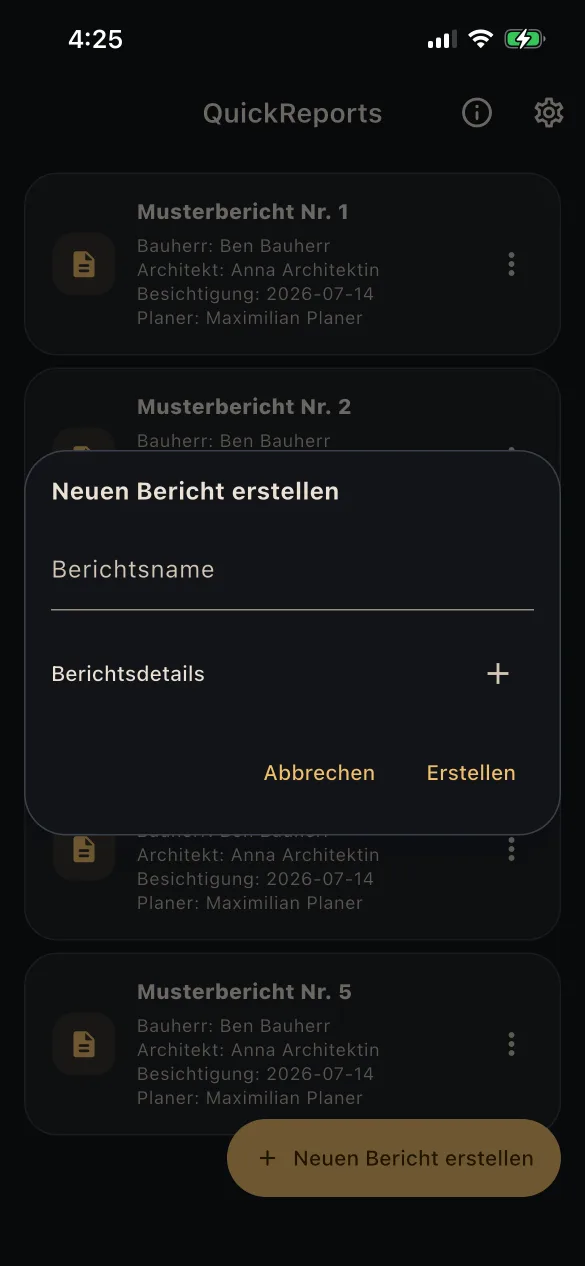
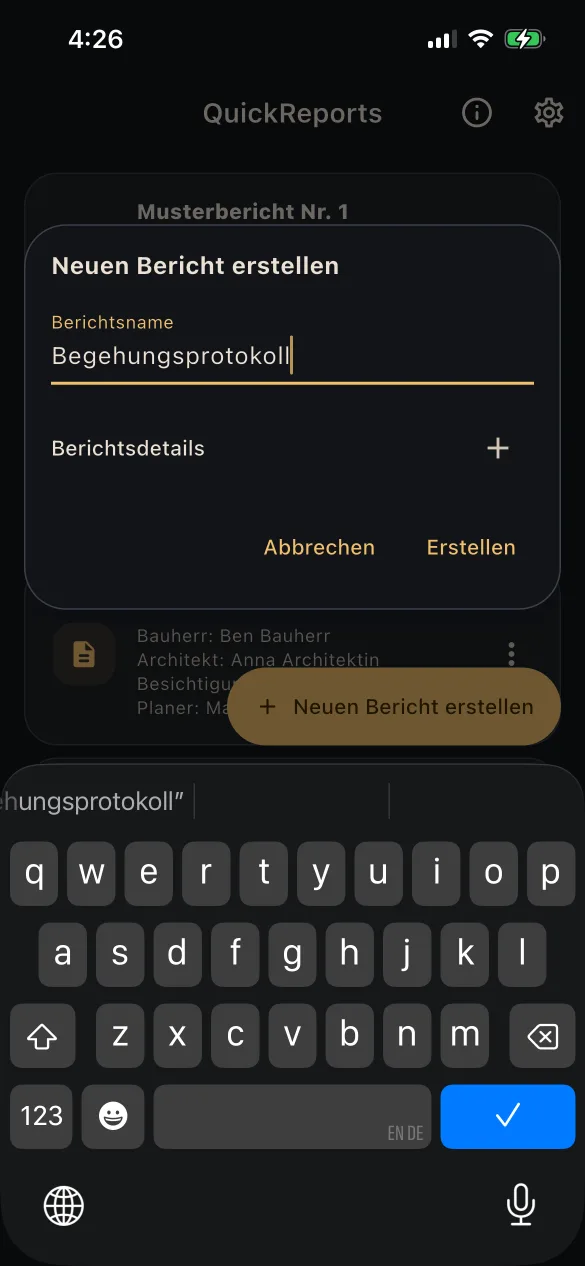
  • Create reports and manage them in a structured way
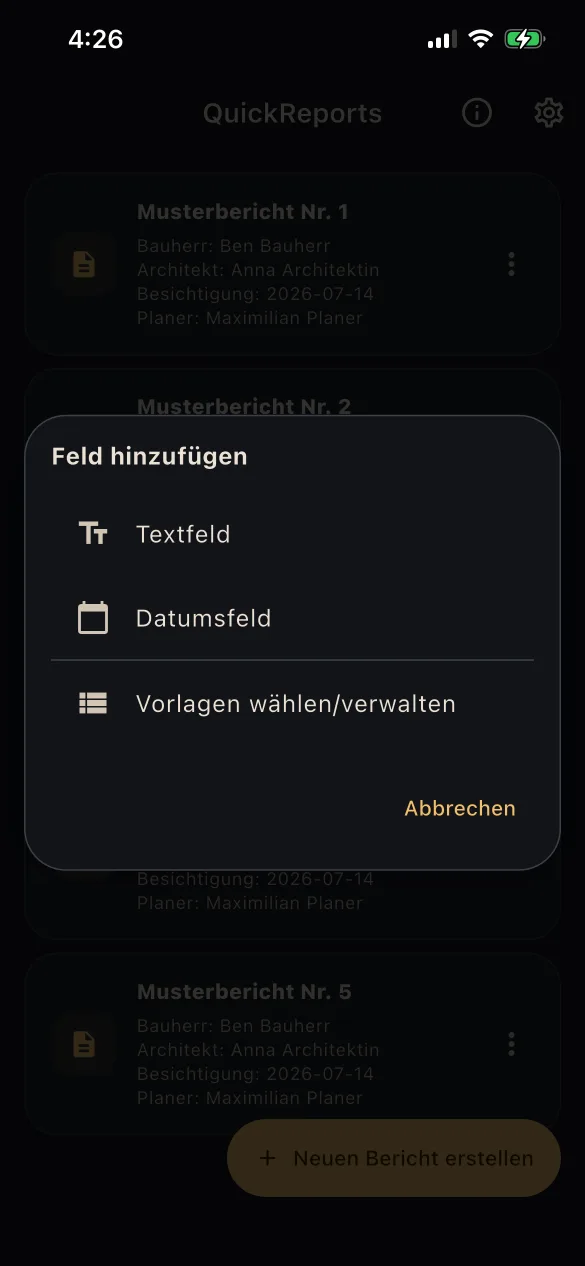
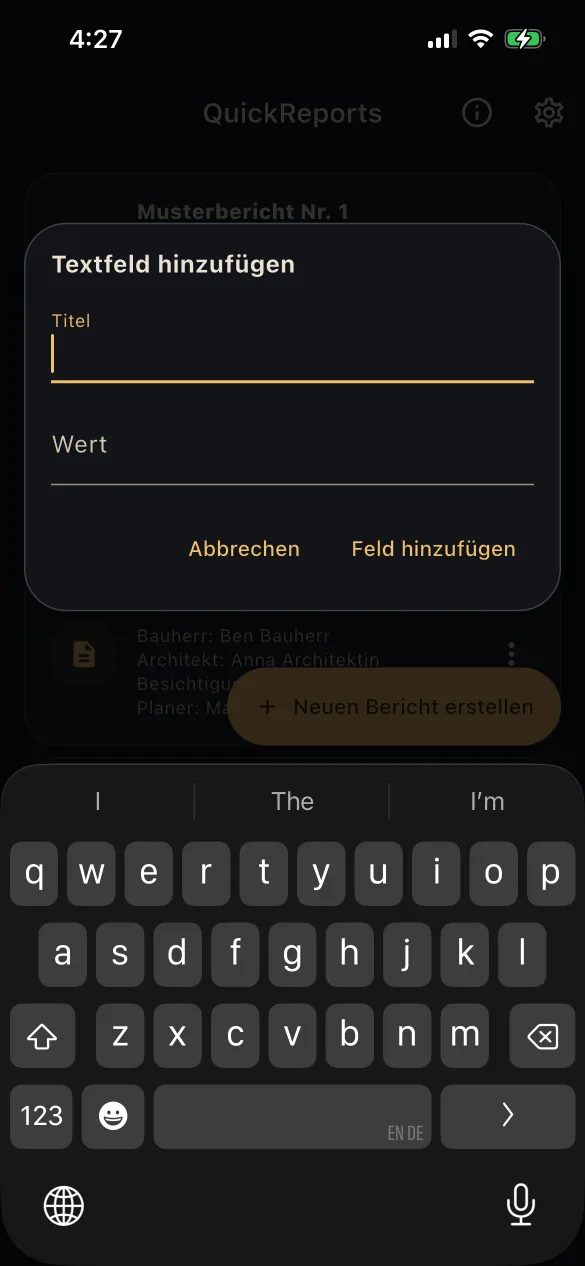
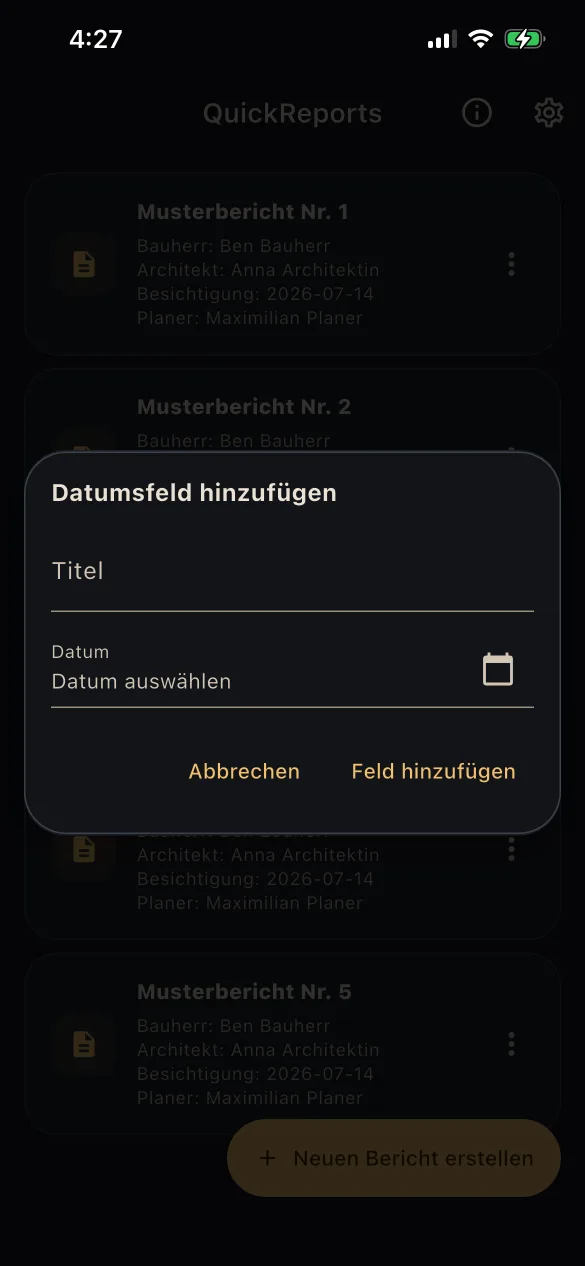
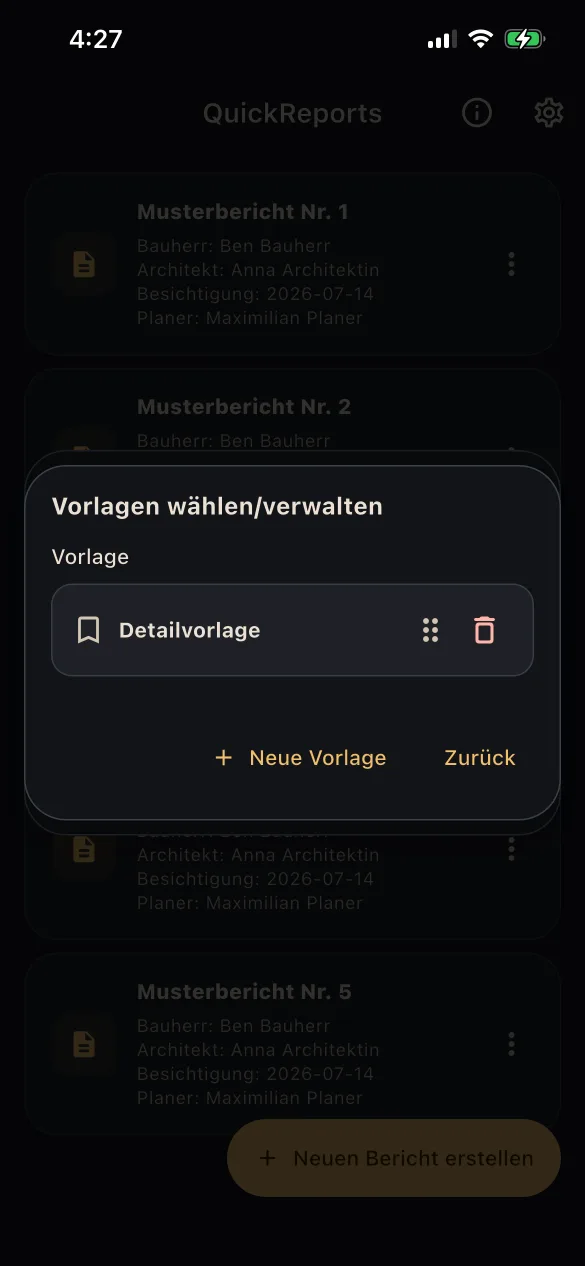
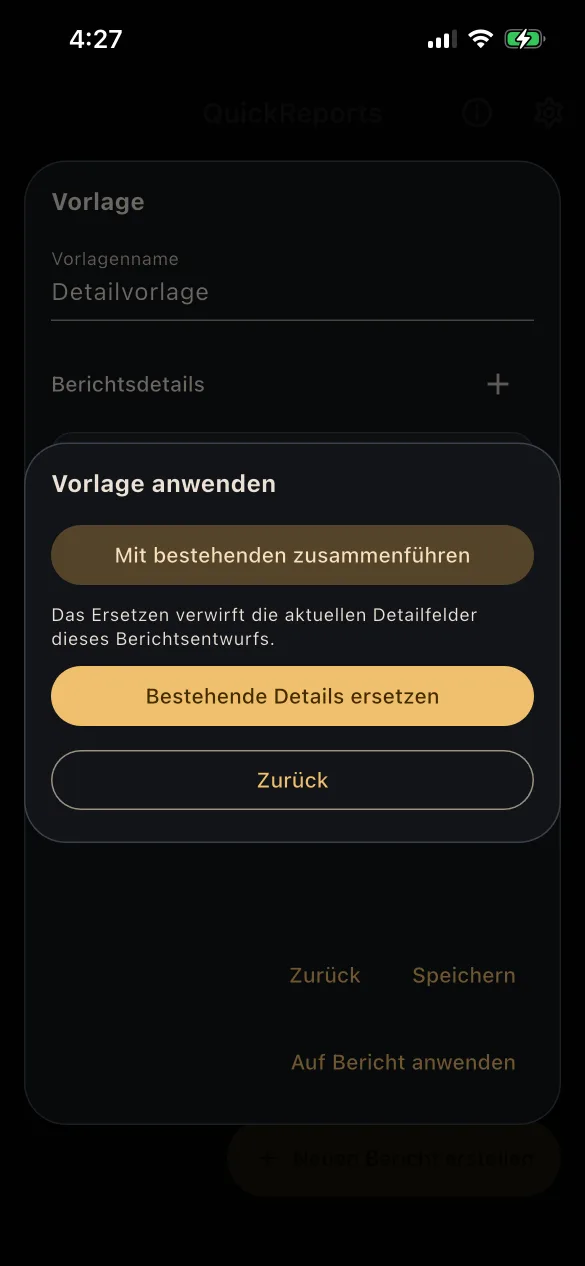
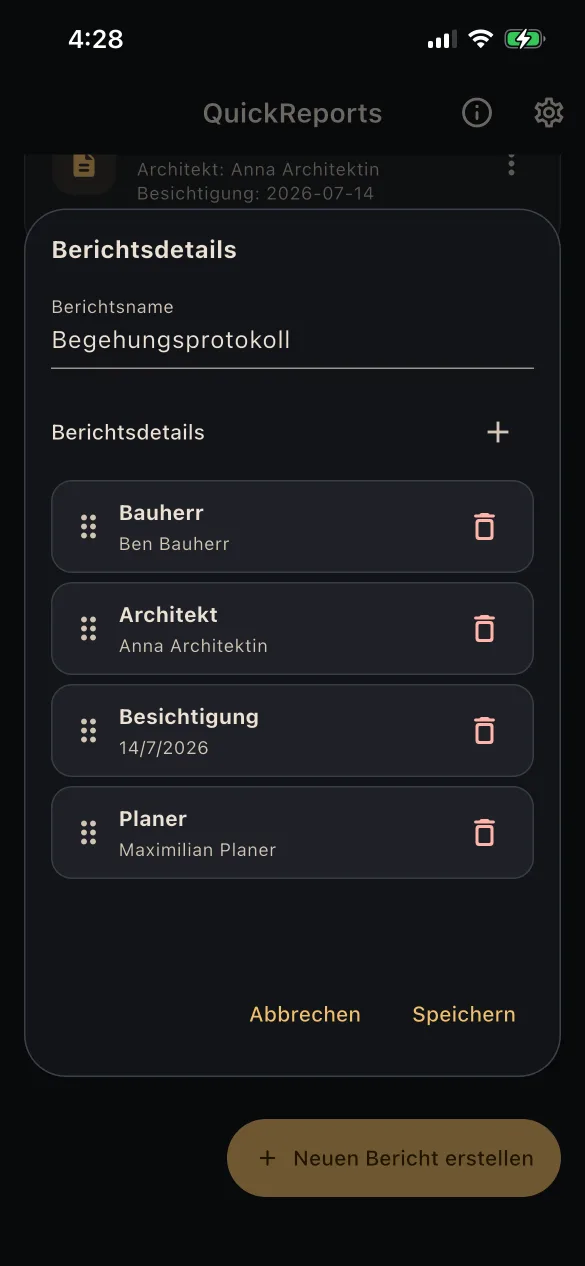
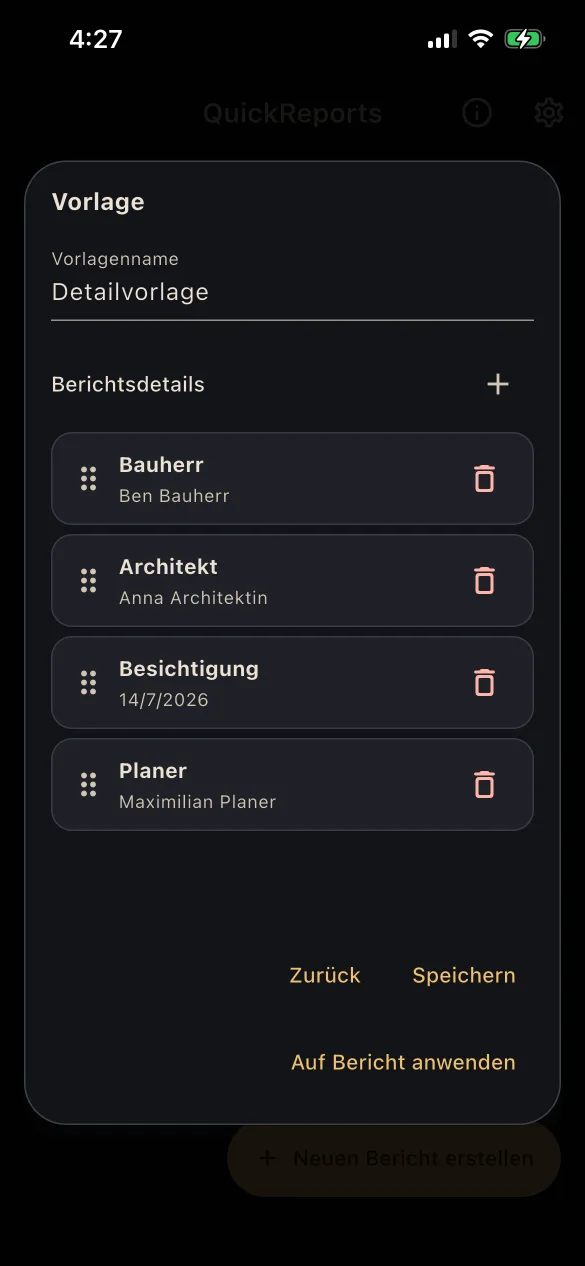
  • Define report details with custom text and date fields
  • Save recurring report structures as templates
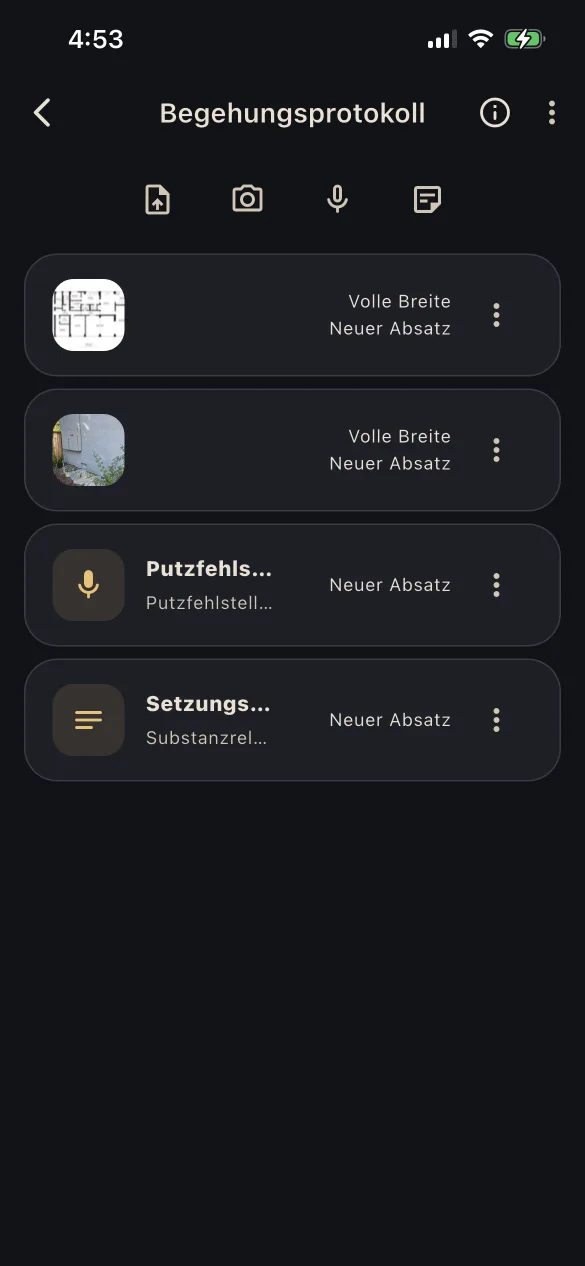
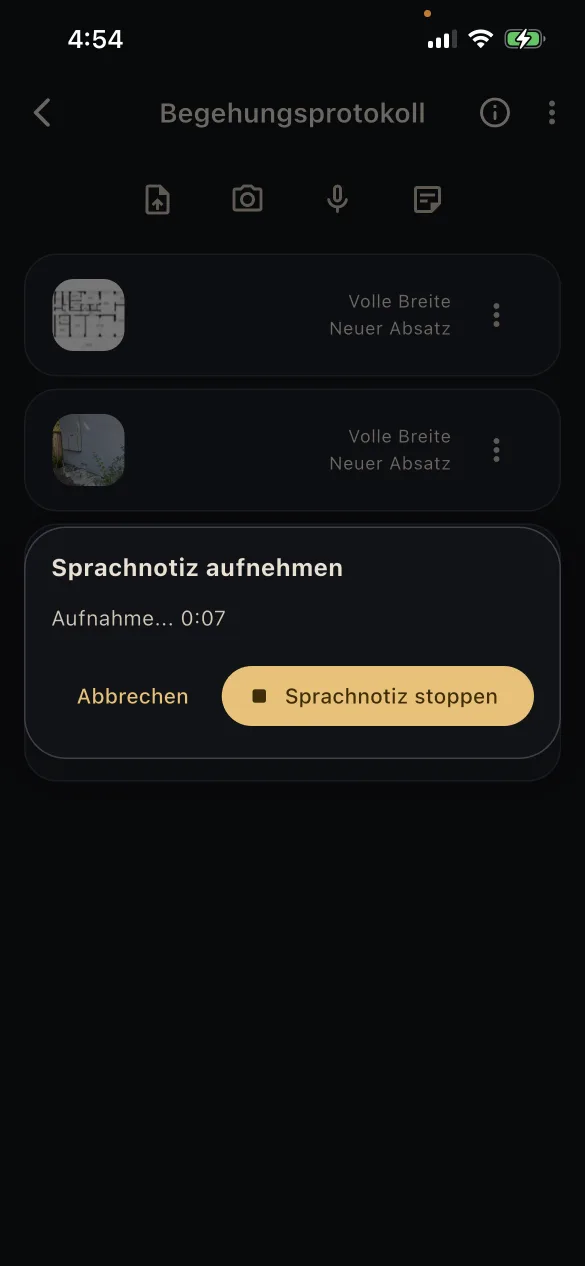
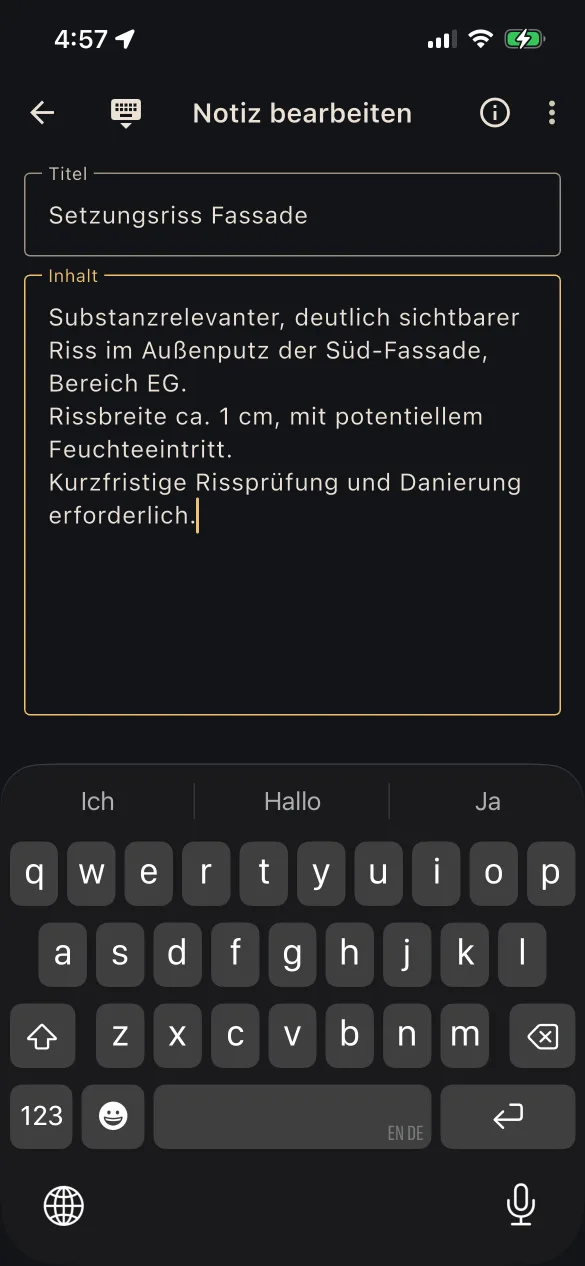
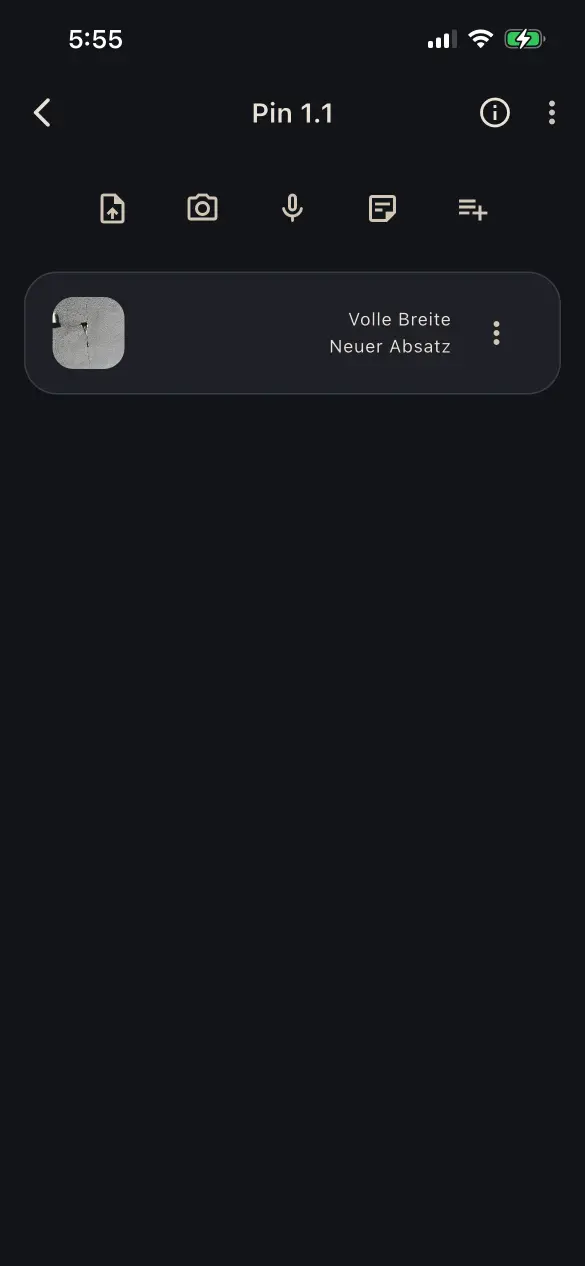
  • Add photos, PDFs, text notes, and voice notes

02

Annotate and expand

Mark, classify, and document relevant areas in detail.

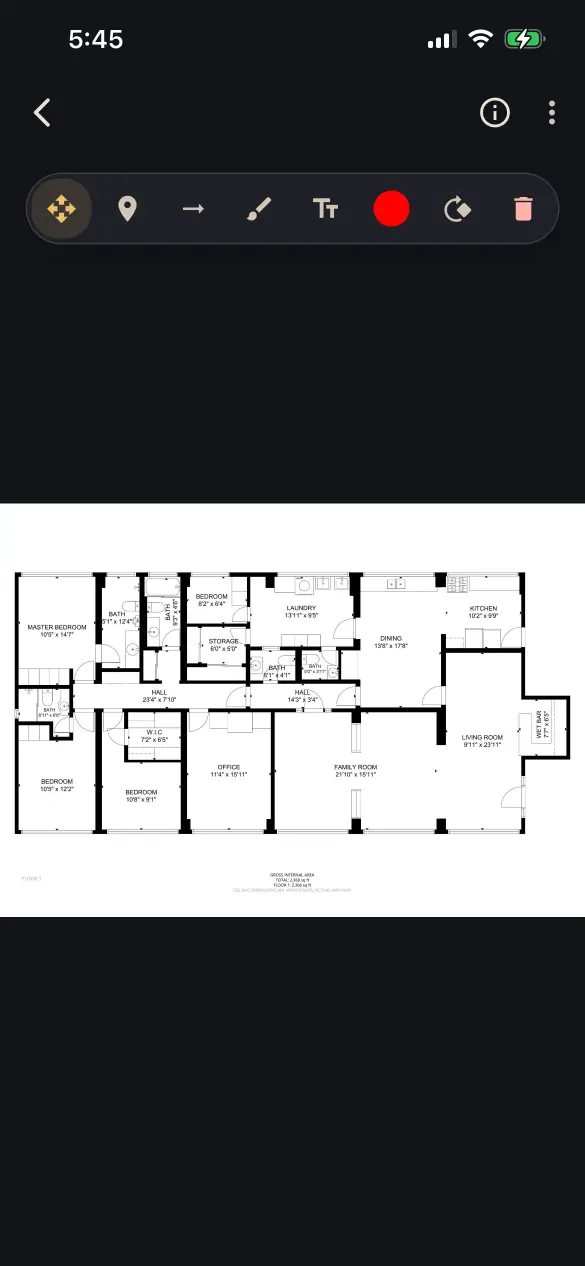
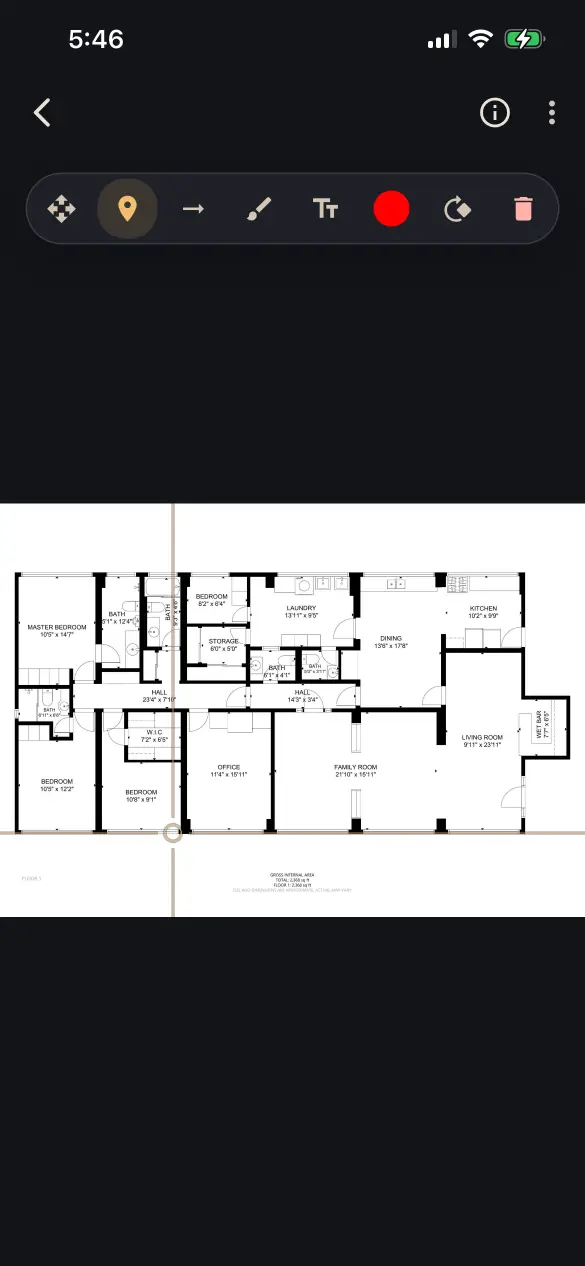
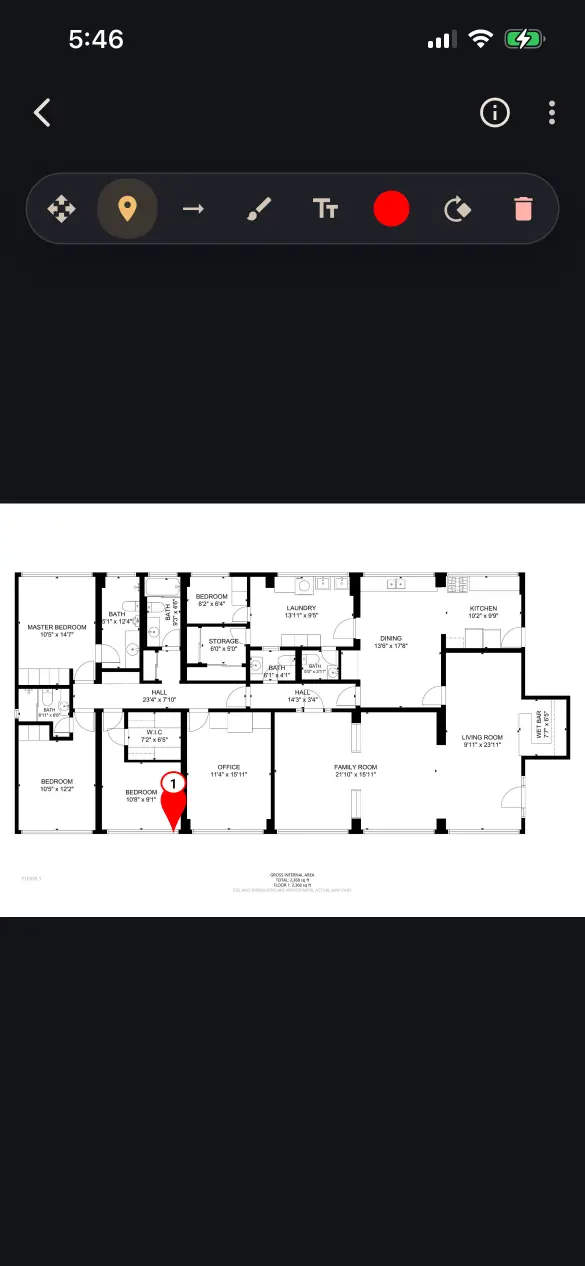
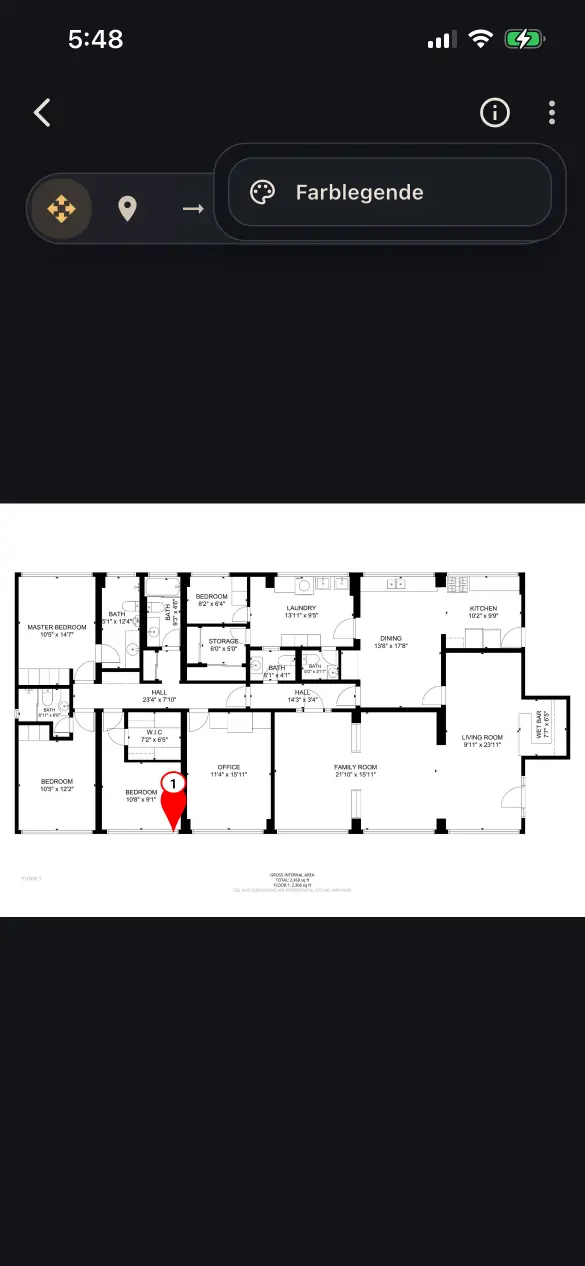
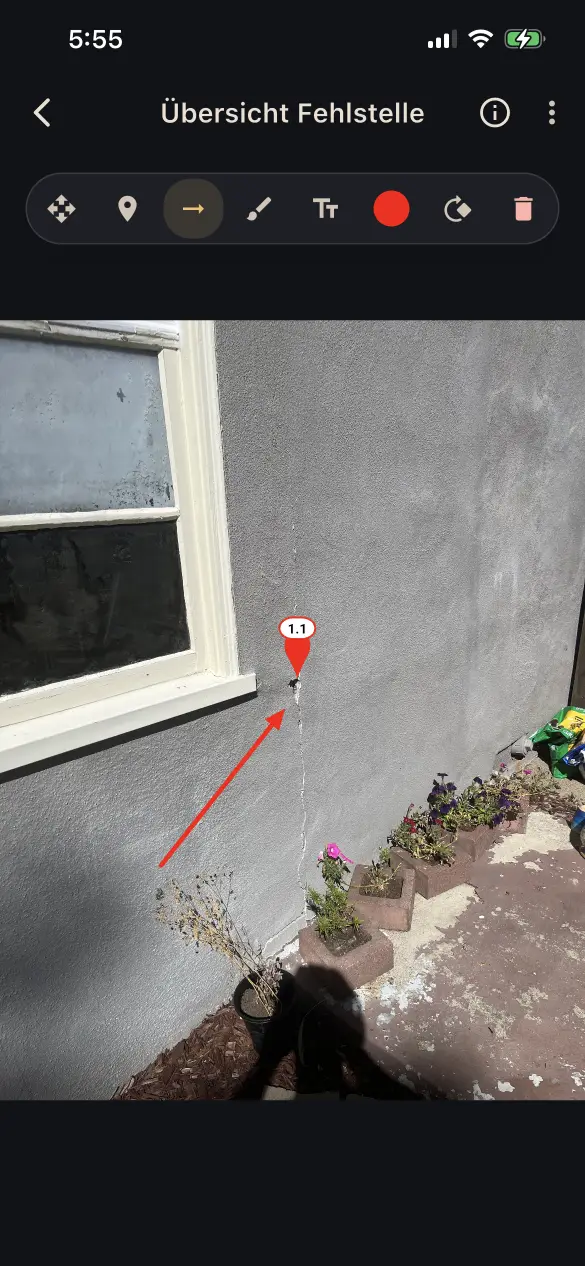
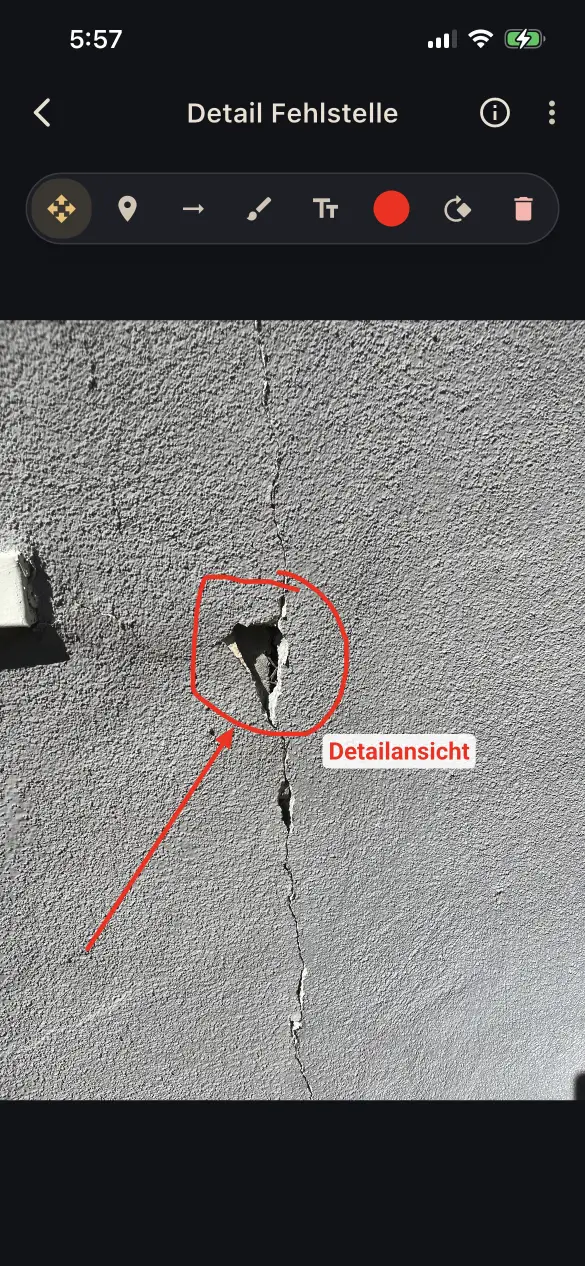
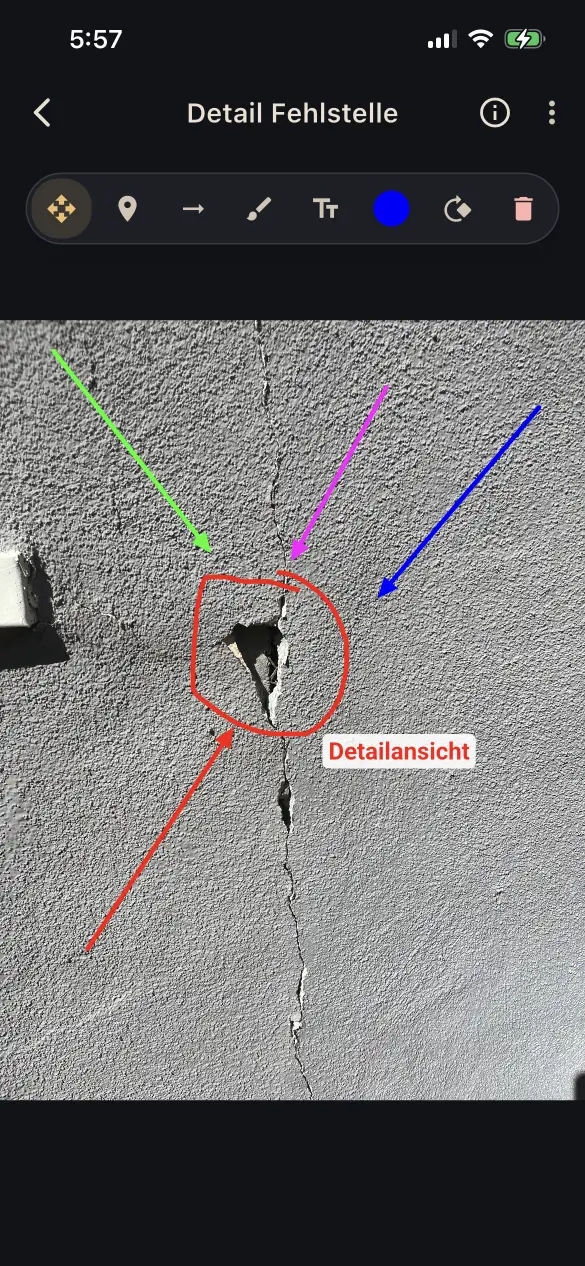
  • Use pins, arrows, freehand drawings, and text annotations in different colors
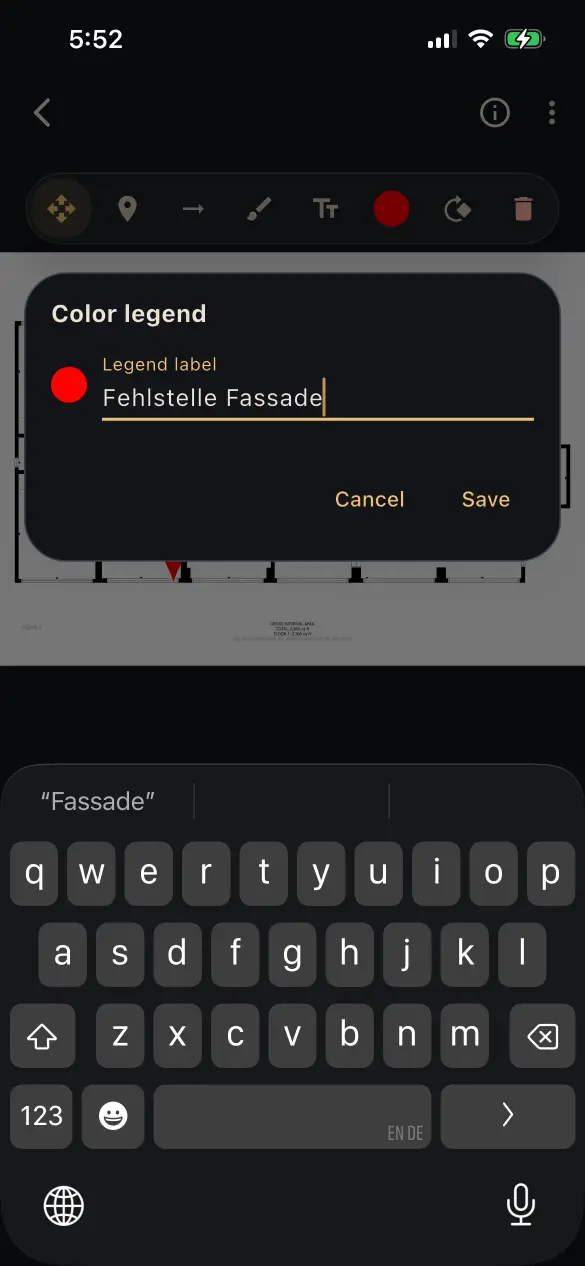
  • Define the meaning of each color in a color legend
  • Pins are automatically assigned unique numbers within a report, including across nested levels such as 1, 1.1, or 1.1.1. They can be renumbered at any time, with dependent numbers updated automatically.
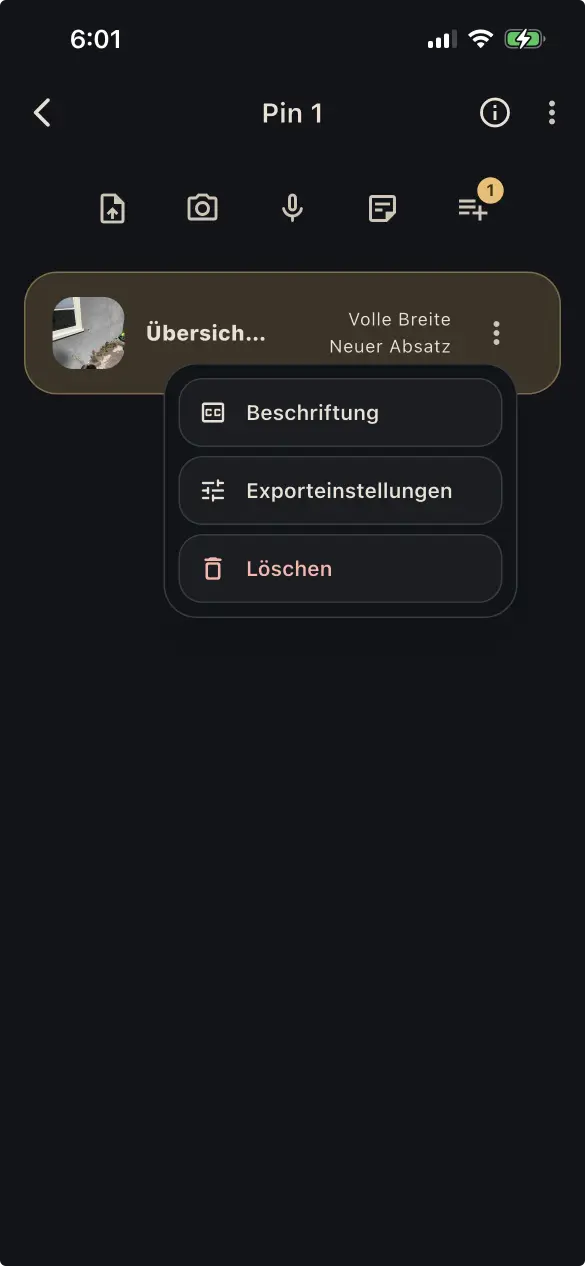
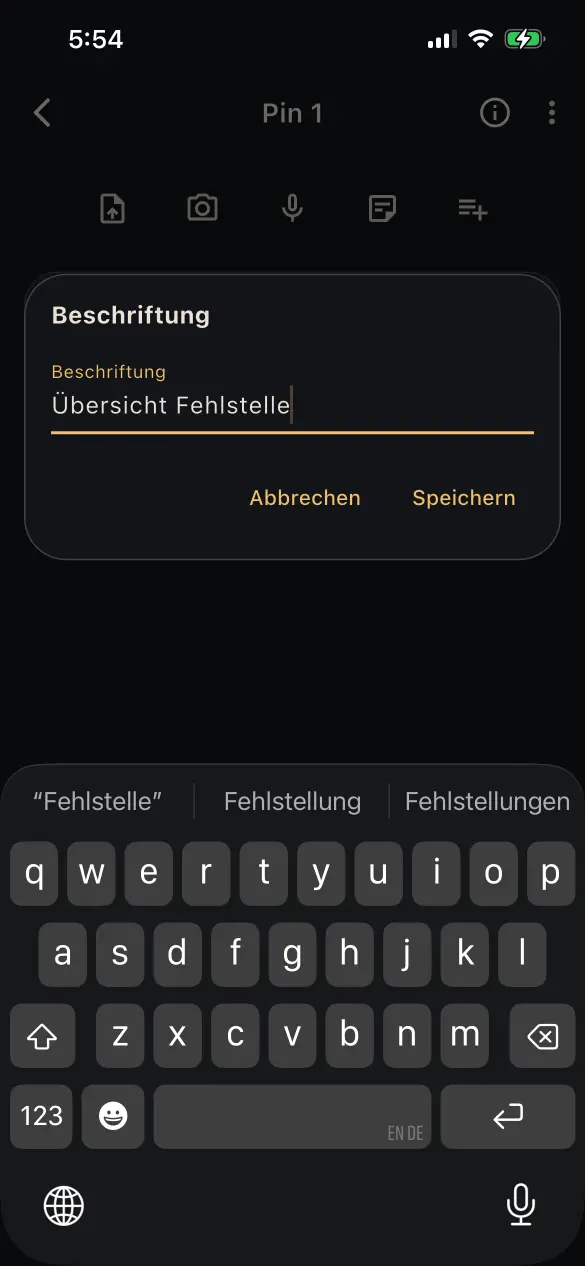
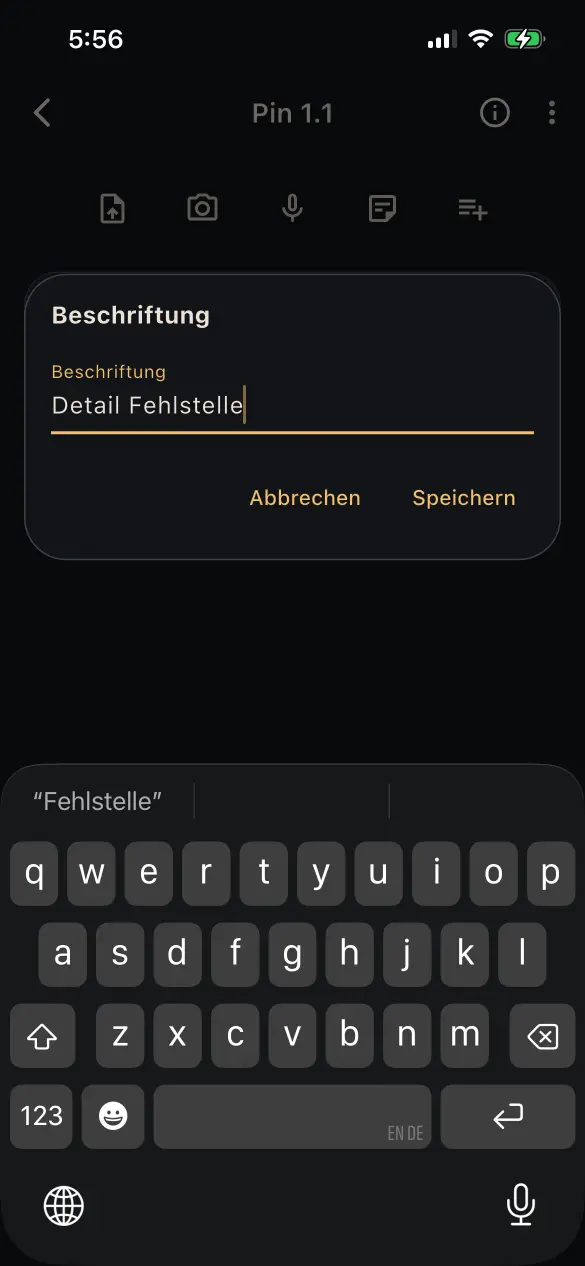
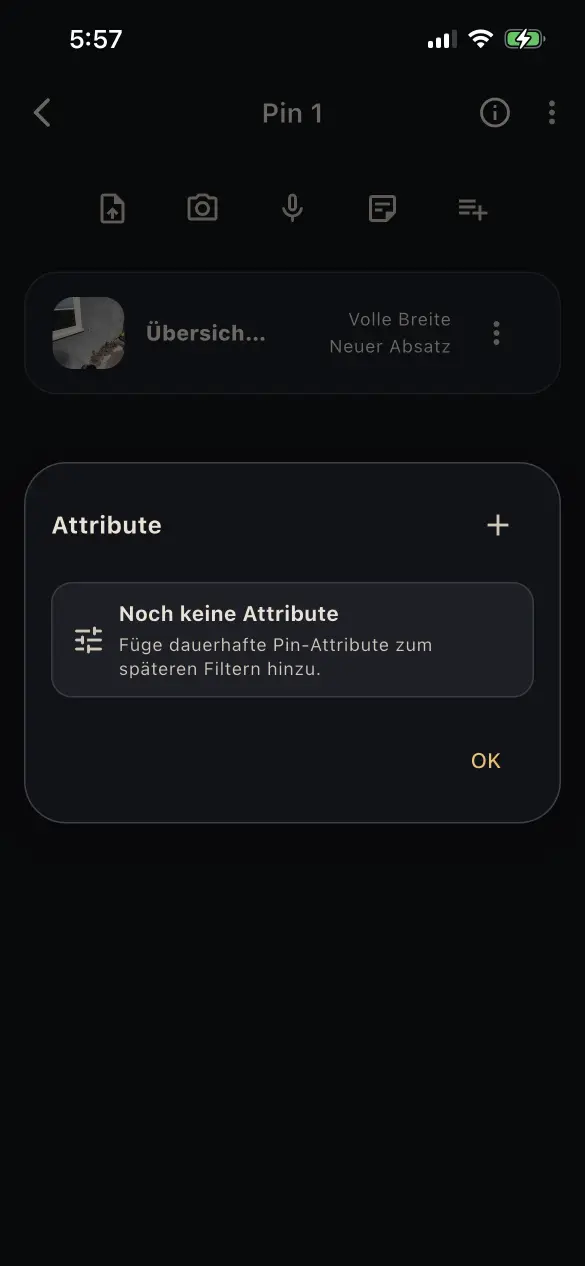
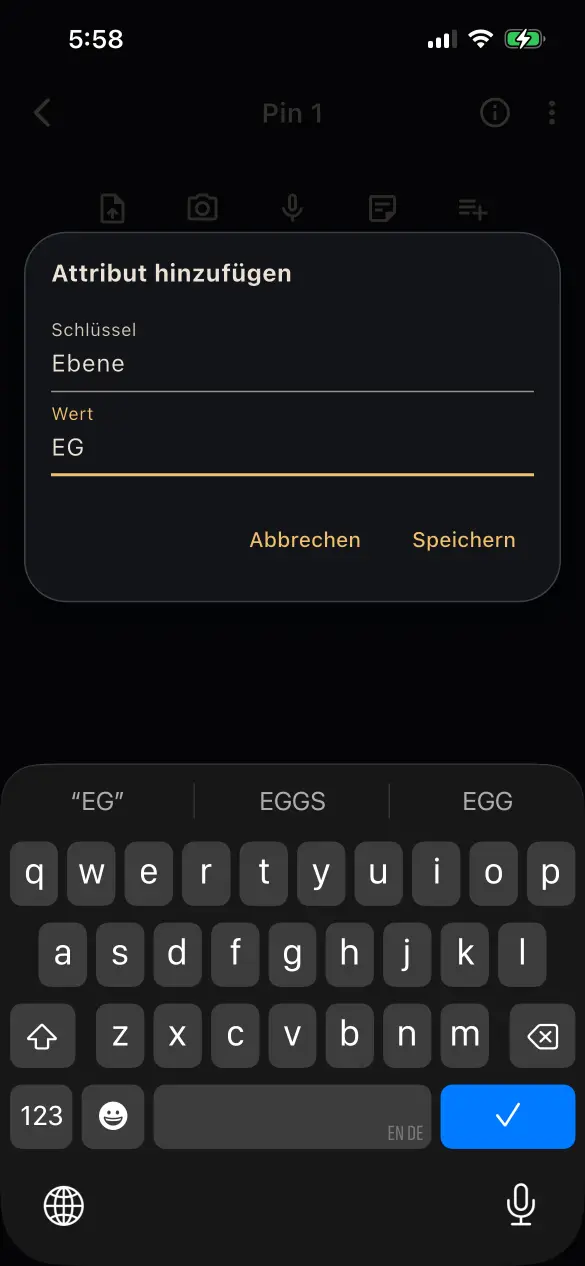
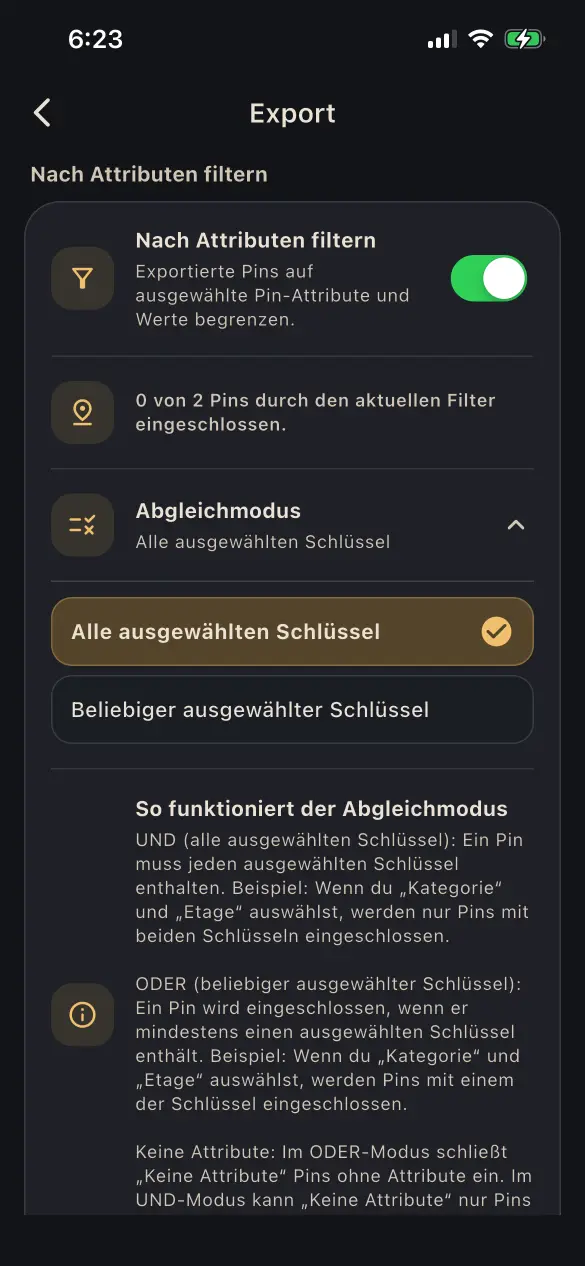
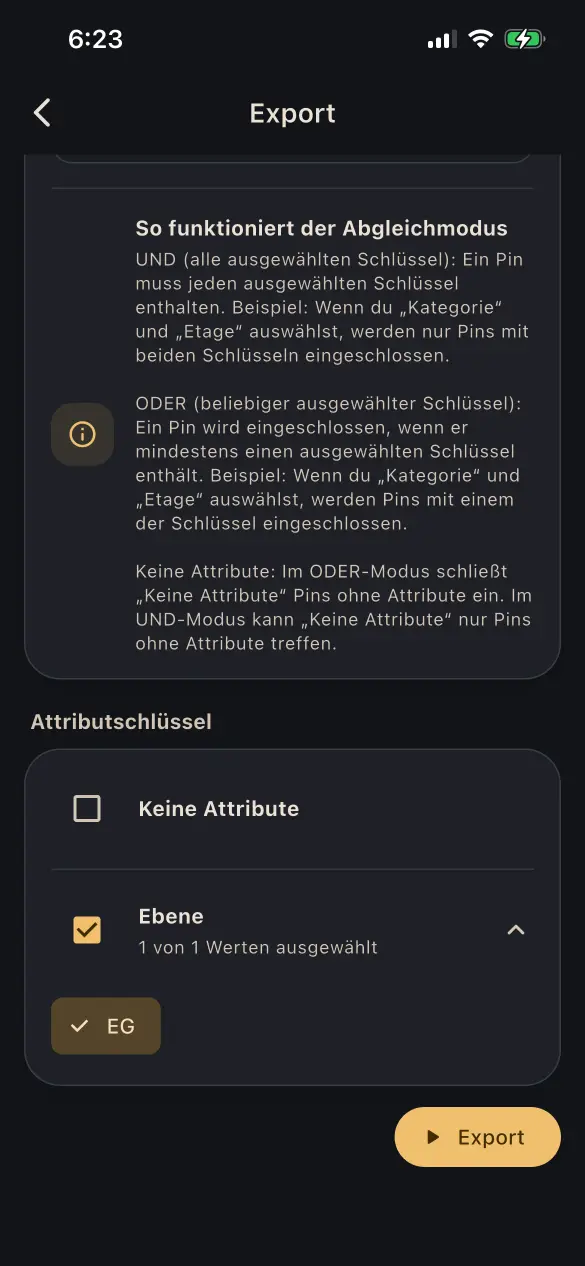
  • Add a pin label and custom attributes to pins, then filter report output by those attributes
  • Attach files, photos, and notes directly to pins
  • Add pins to attached files and photos to build nested detail structures

03

Use voice and AI

Capture spoken information quickly and process text with purpose.

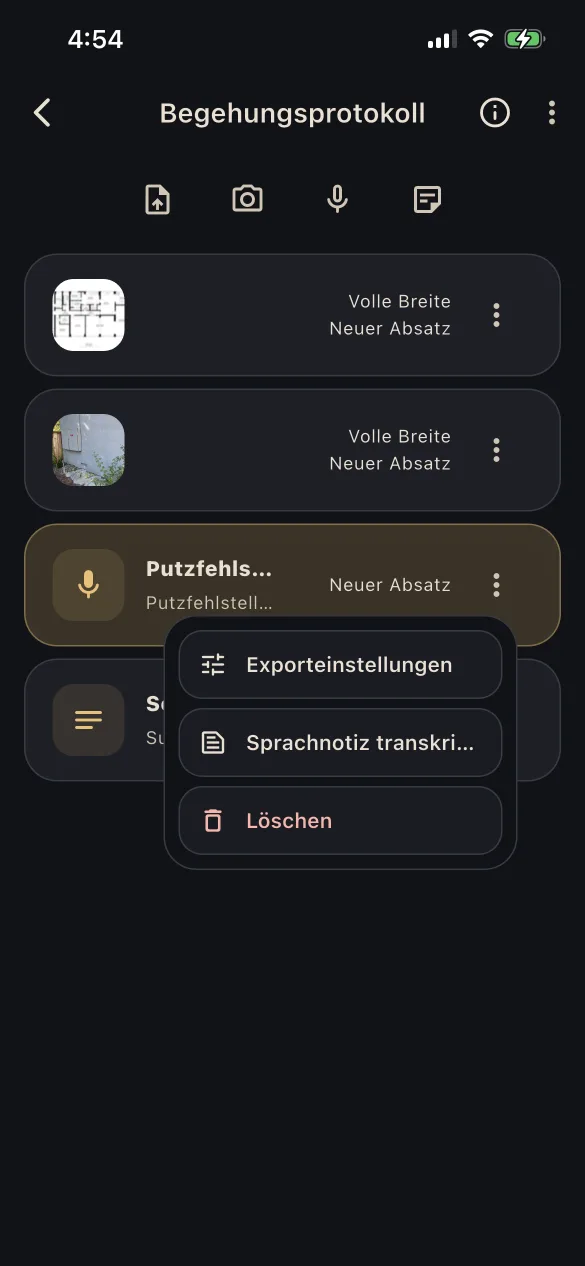
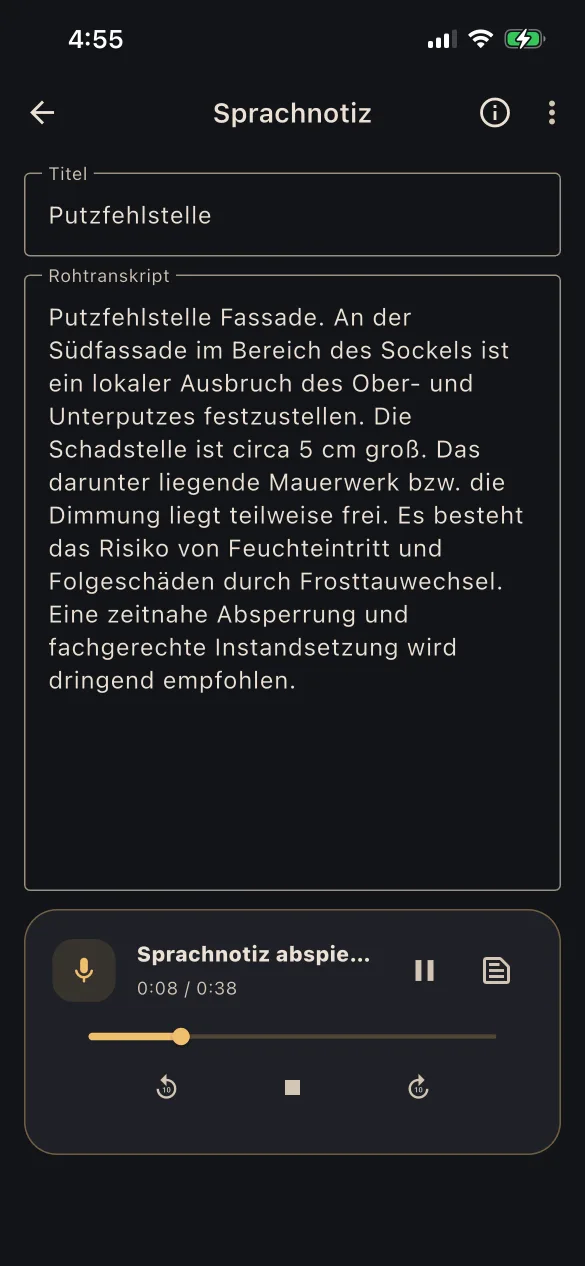
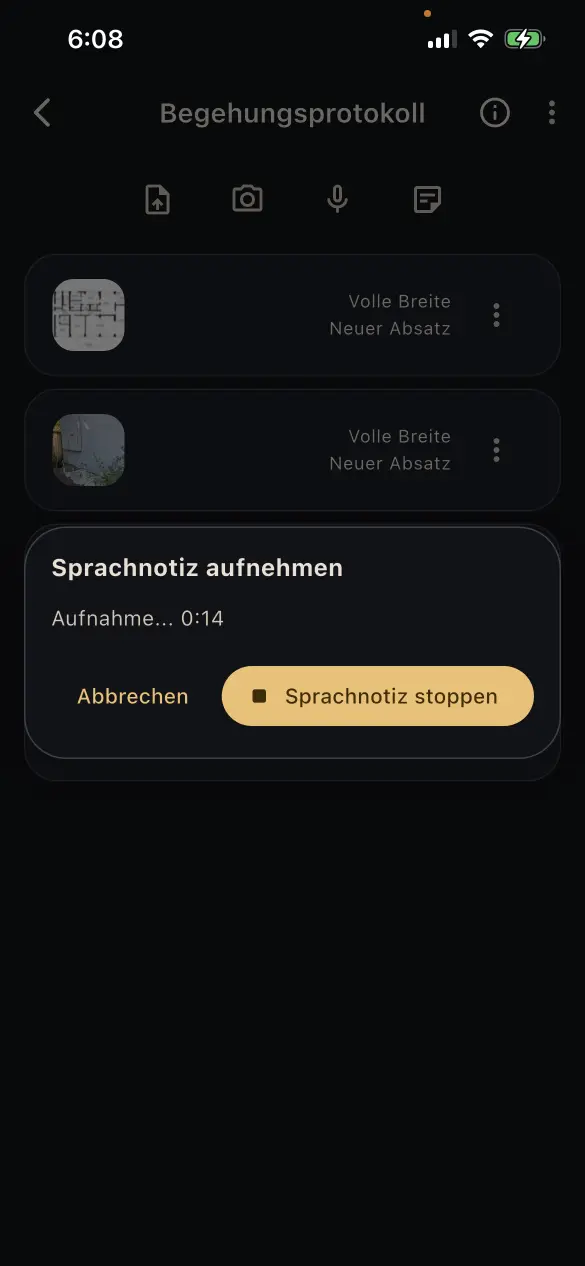
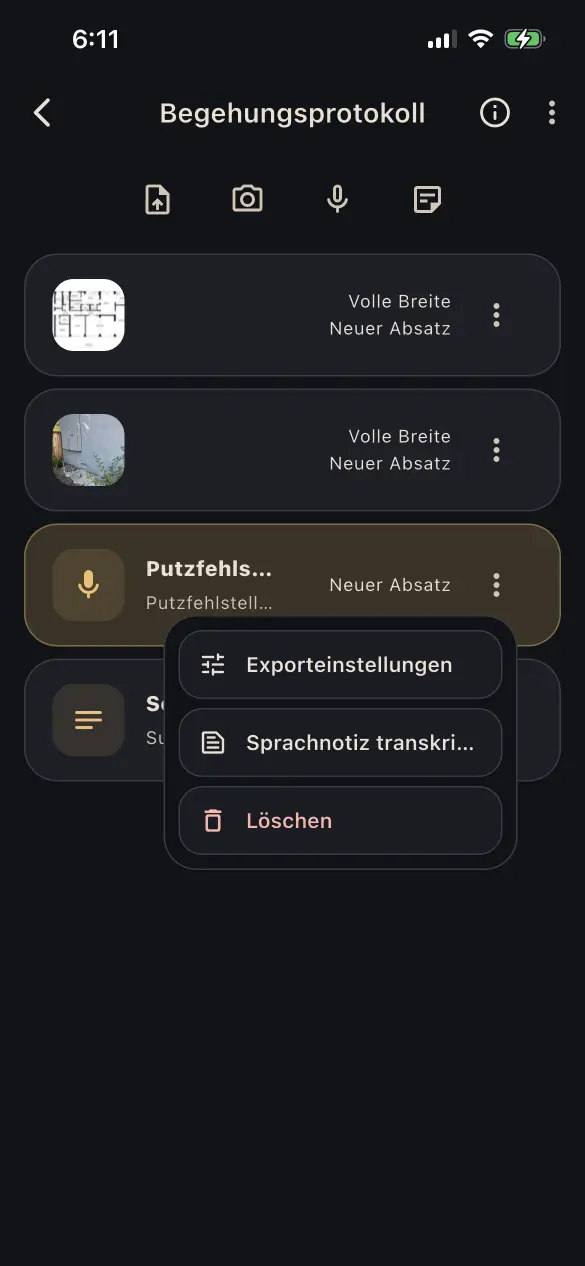
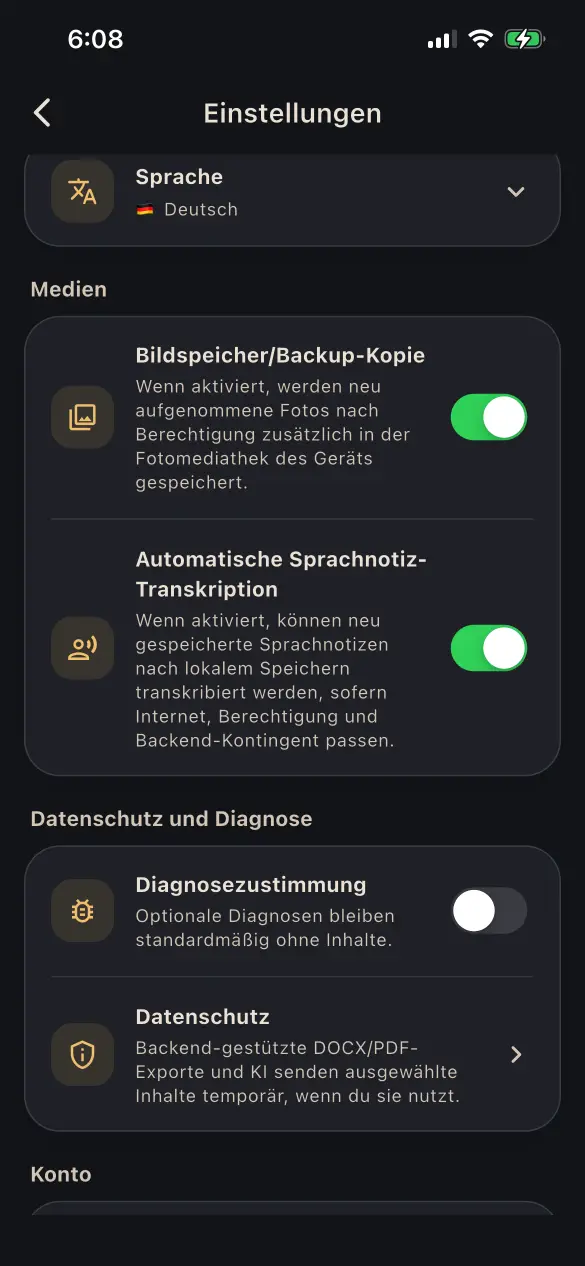
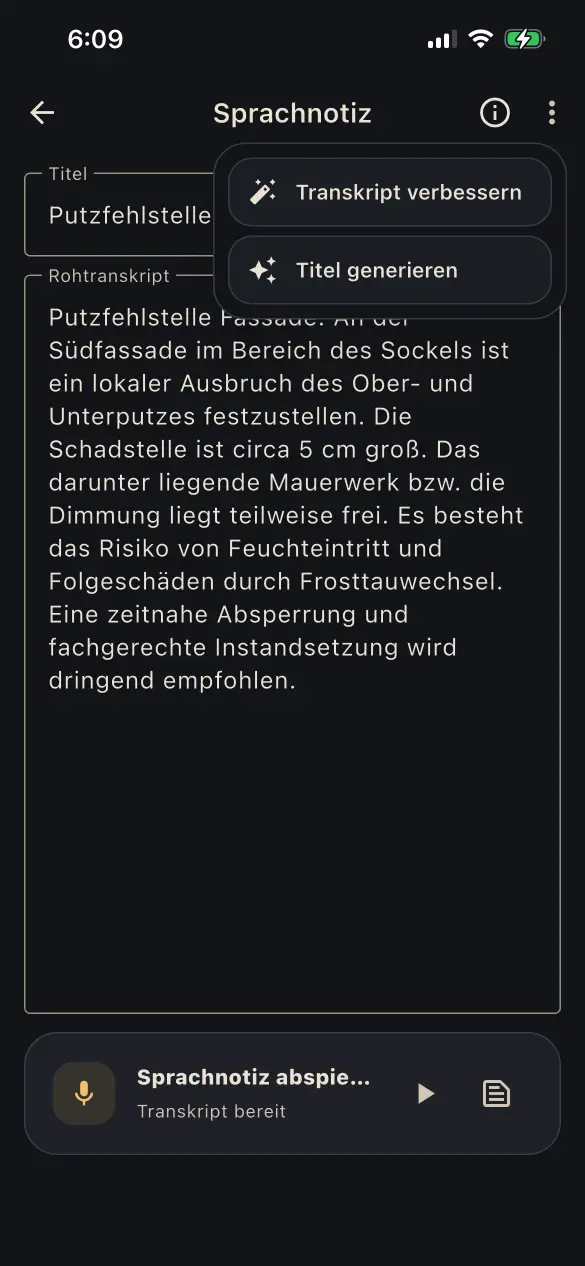
  • Record voice notes offline and transcribe them manually or, when automation is enabled, immediately after saving
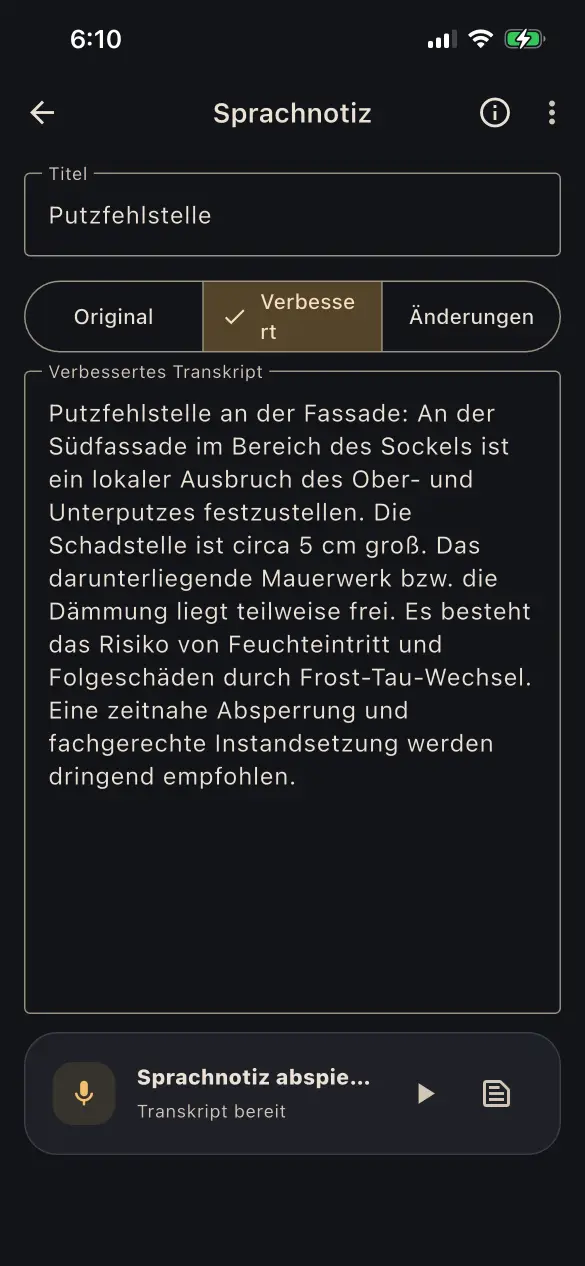
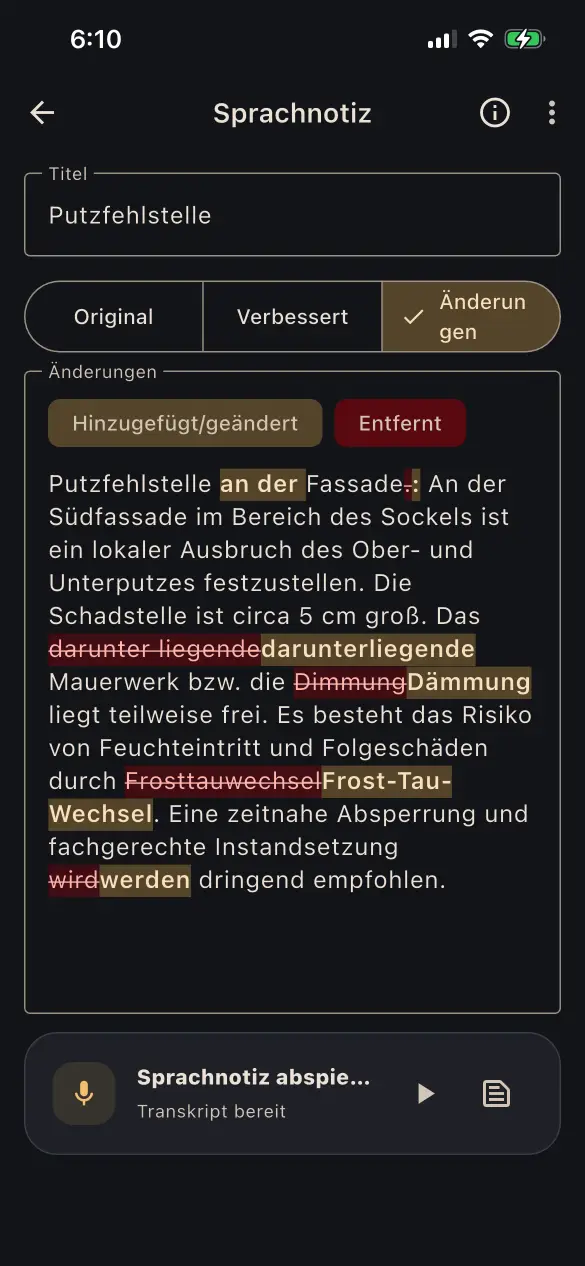
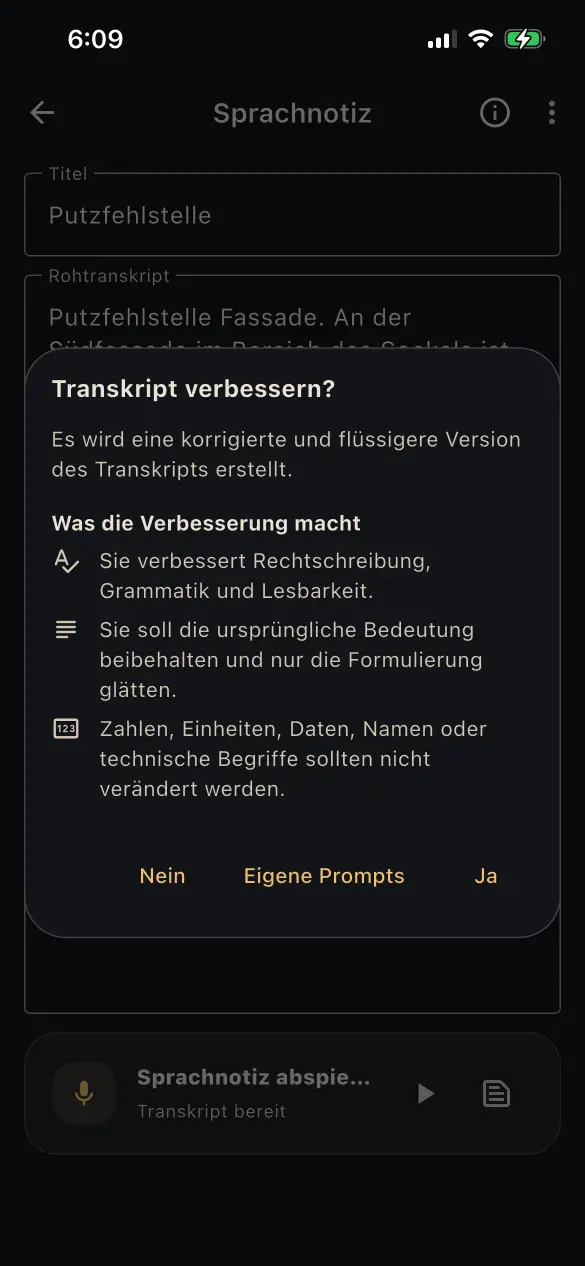
  • Use the standard AI workflow to improve notes and transcripts: correct spelling and grammar and improve readability without changing content or technical details
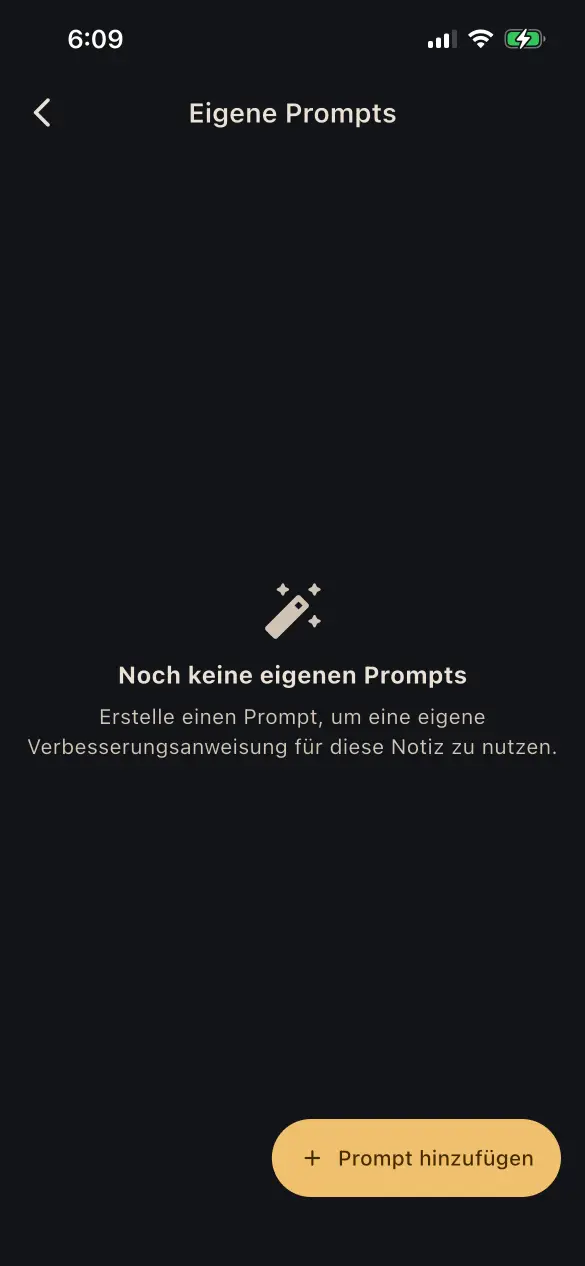
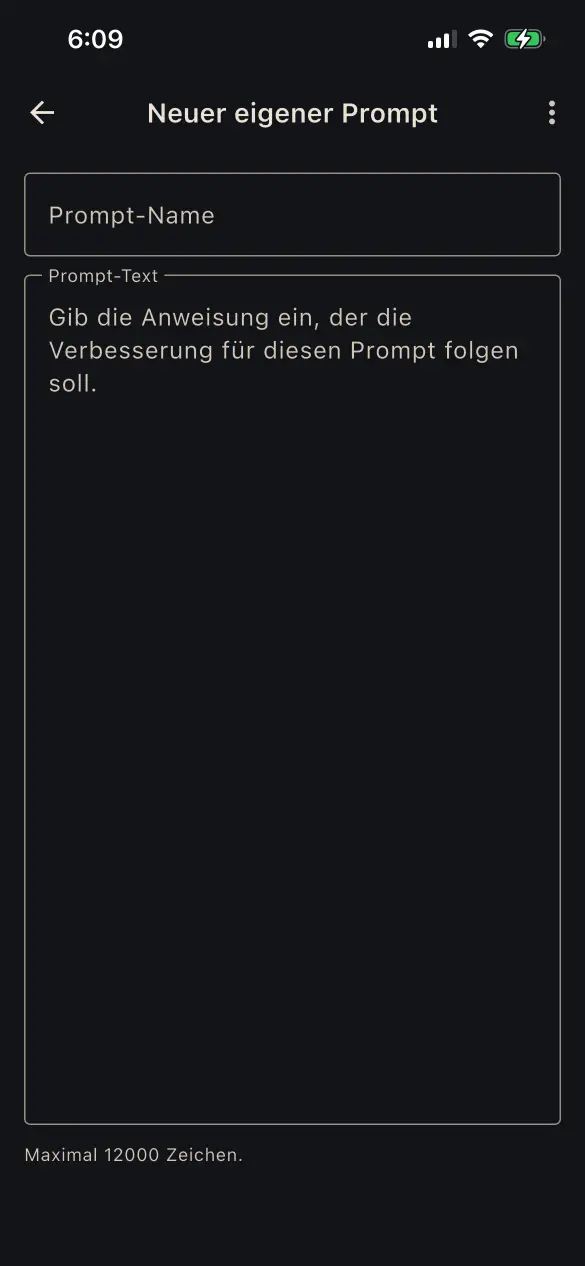
  • Save custom AI templates and revise text according to your own instructions
  • Generate short, precise titles from notes or transcripts using the standard instructions or a custom AI template

Original and revised versions remain separate and comparable. Transcription and AI features require an internet connection.

04

Work offline

QuickReports remains ready to use without a stable internet connection.

  • Create and edit reports and report details, and add and manage files, photos, notes, pins, and annotations — even without an internet connection
  • With Local-Only, QuickReports data remains exclusively on the device being used
  • Synced synchronizes changes once the connection is restored and lets you continue working on additional mobile devices and in the web app

Transcription, AI features, and the generation of finished export reports require an internet connection.

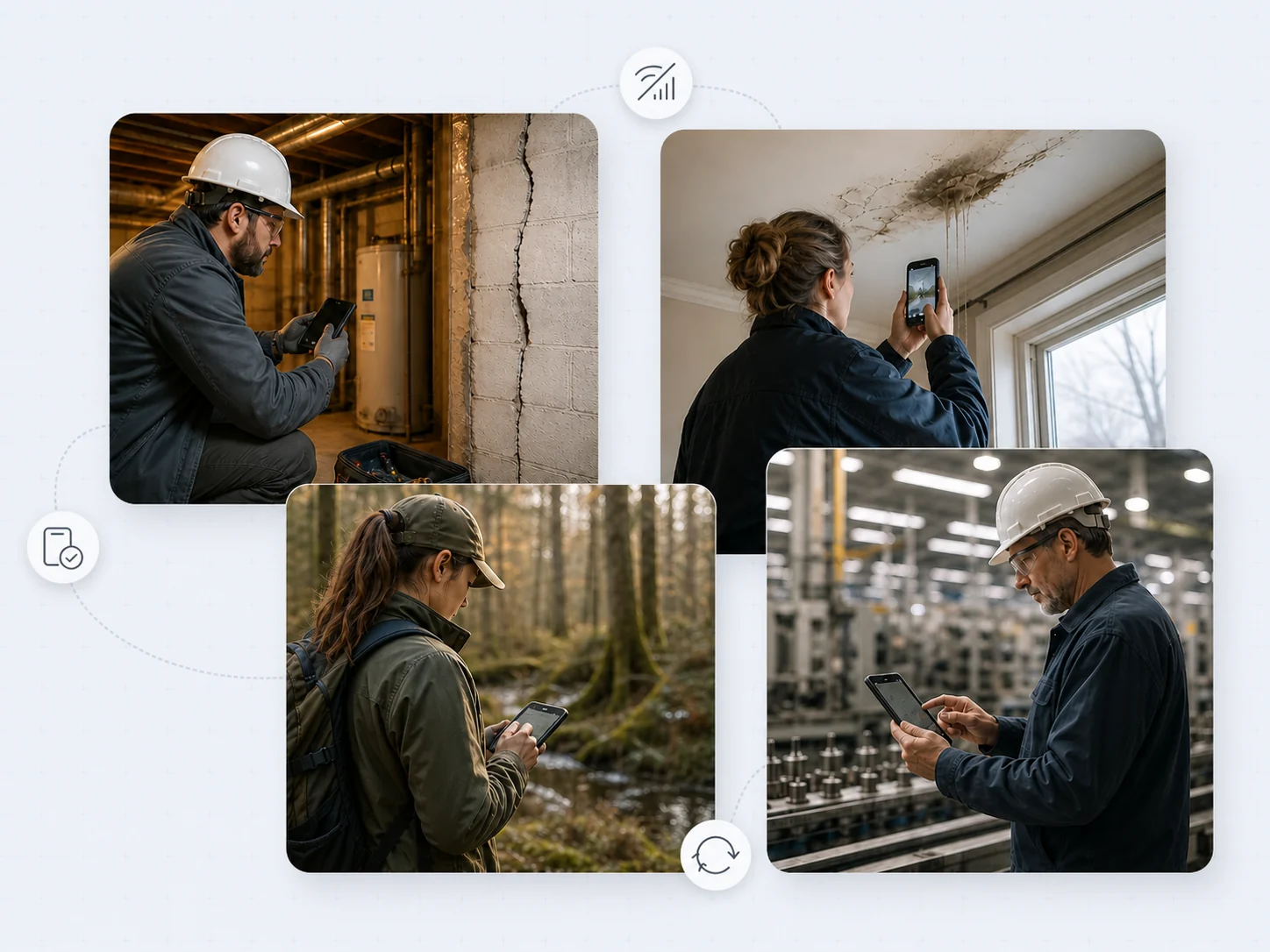
Professionals documenting construction, property damage, environmental conditions, and manufacturing work without relying on a network connection

05

Export reports to fit your needs

Turn captured content directly into a usable document.

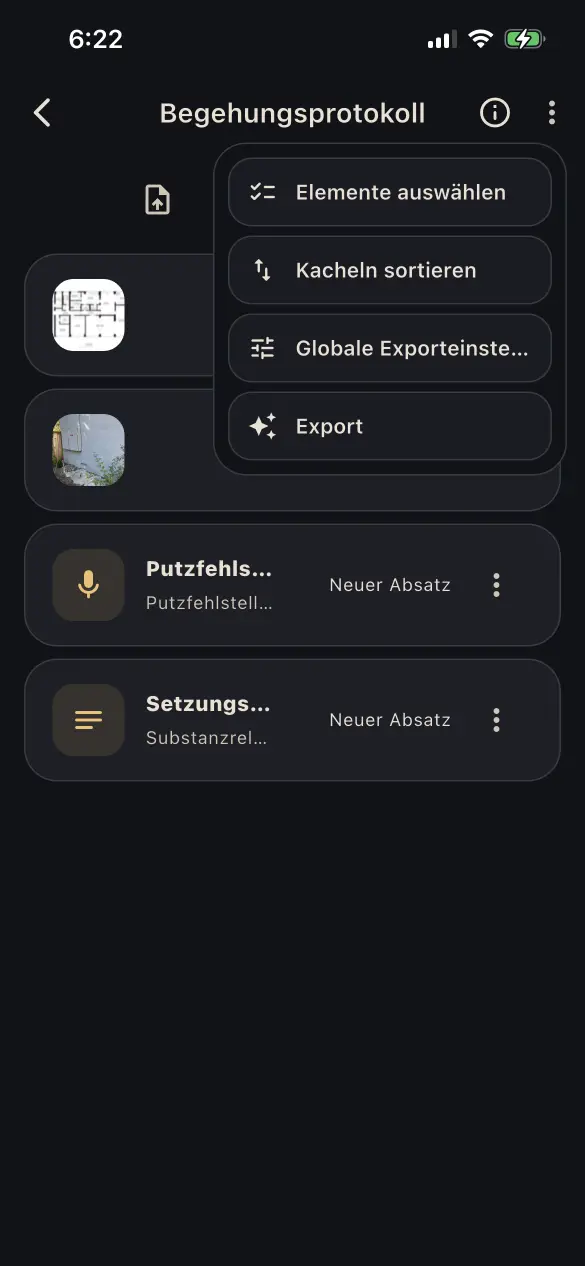
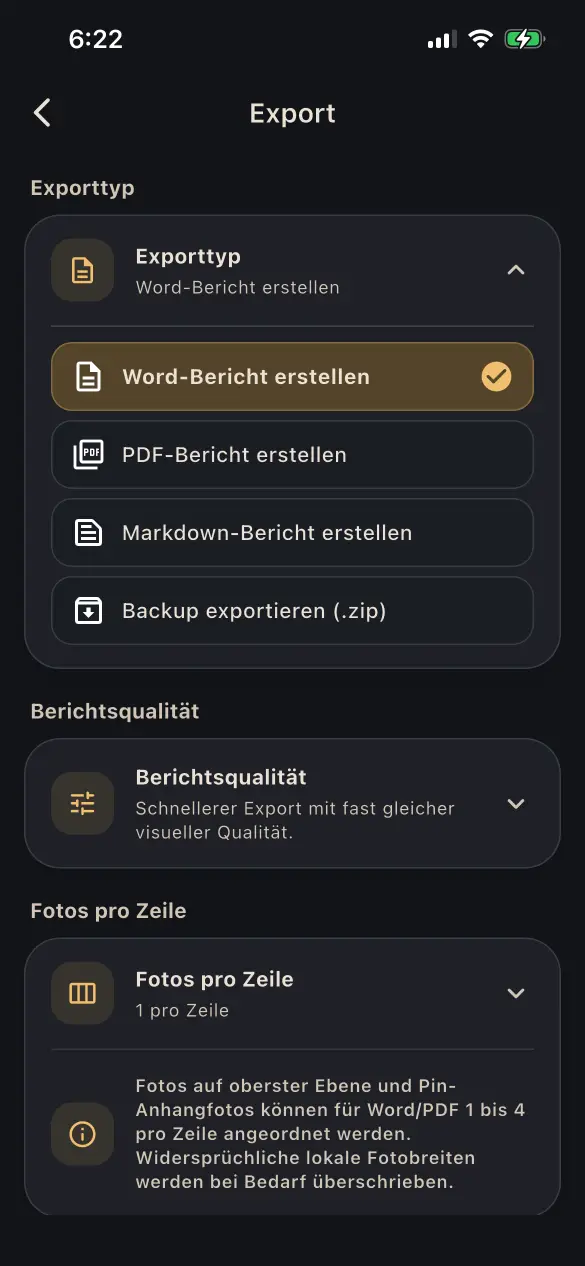
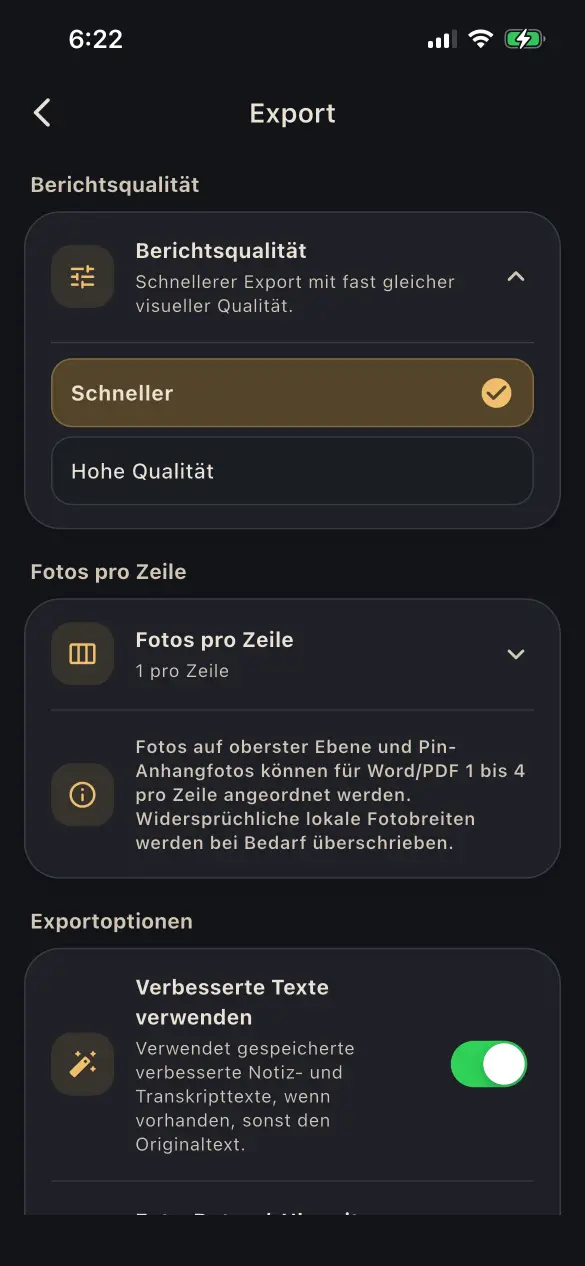
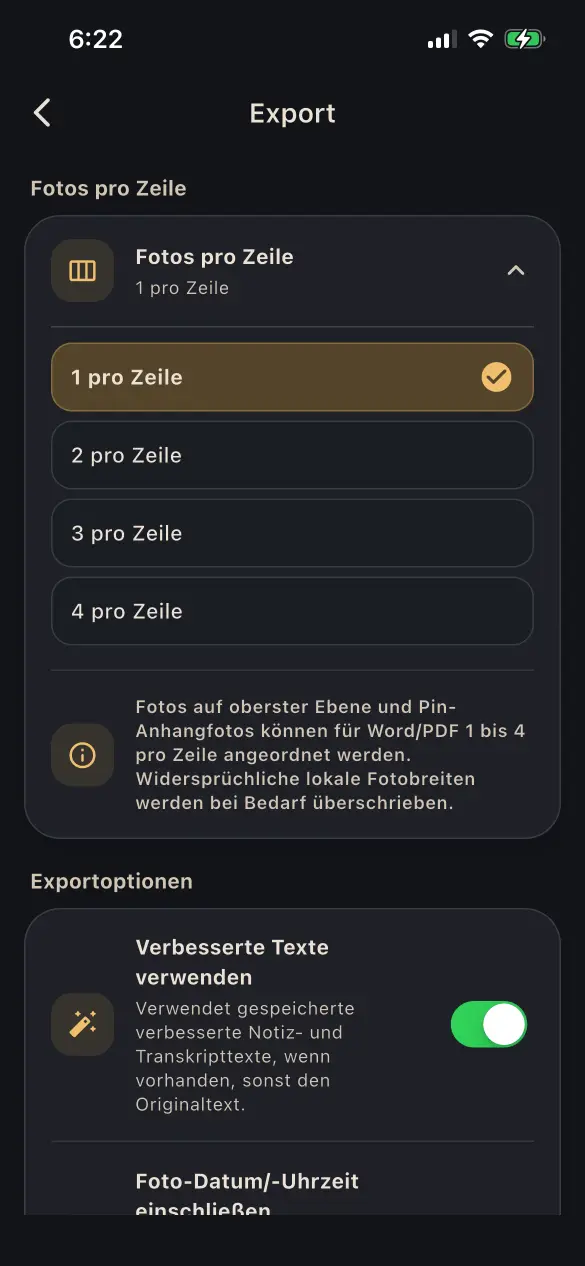
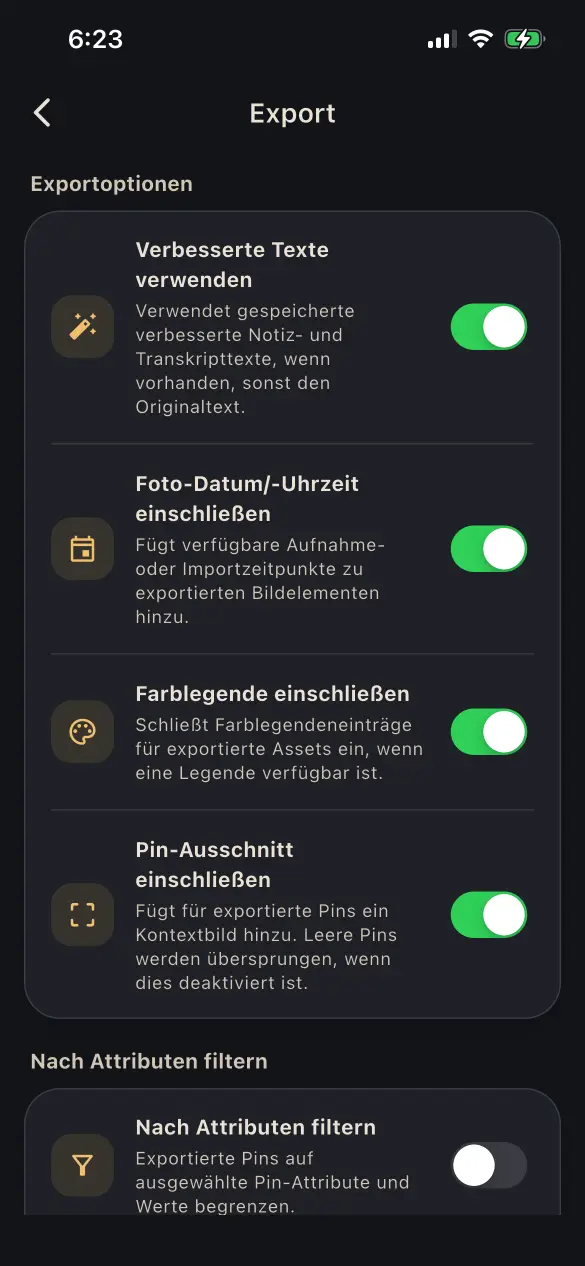
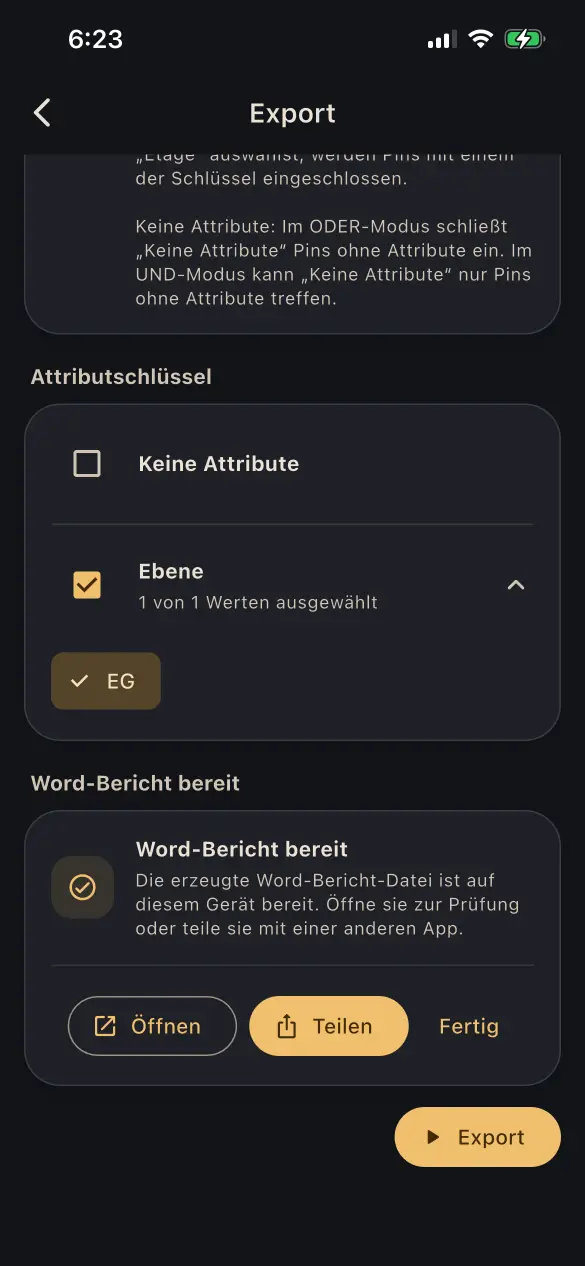
  • Generate Word, PDF, and Markdown reports as well as backup packages
  • Use the standard layout on mobile and web; custom company DOCX templates are available in the Synced web app
  • Filter reports by pin attributes and adjust the layout and image sizes
  • Color legends and pin cutouts can be shown in the report as optional elements. Each pin cutout contains an overview of the original image with the enlarged area highlighted.

Finished reports can be opened directly and shared through the available apps.

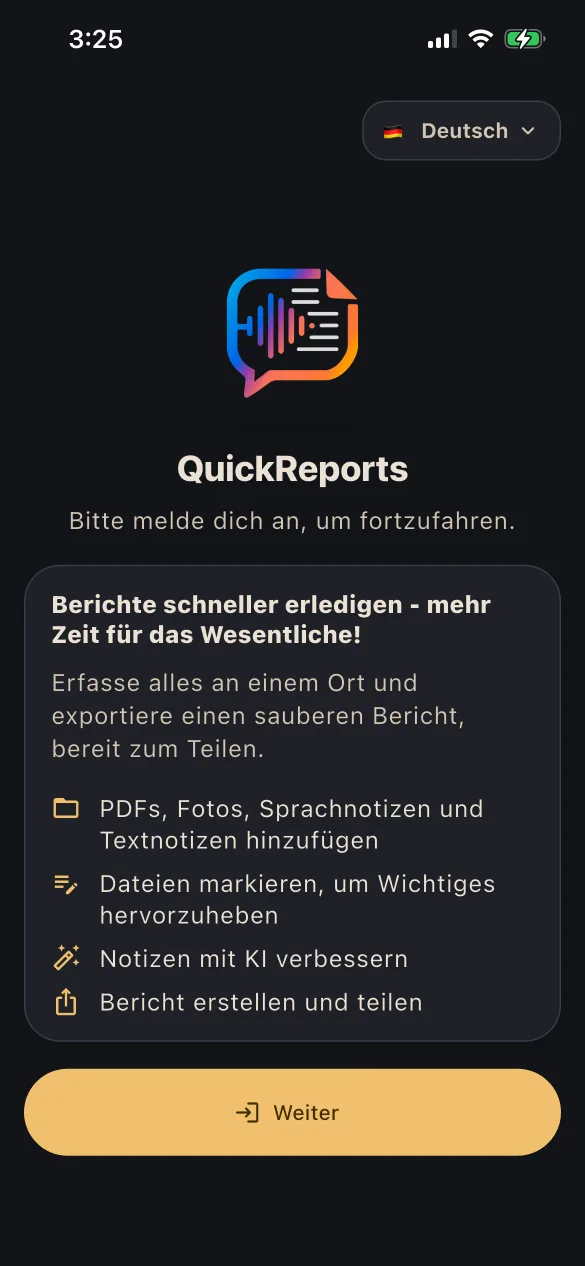
QuickReports enables structured on-site documentation — capturing notes, files, and annotations in one seamless workflow, enhanced by AI and secured through GDPR-compliant EU hosting and processing.

Instead of working with a camera, printed plans, a clipboard, and a voice recorder — and then manually bringing everything together back at the office — QuickReports lets you complete the entire process directly on site.

One device. One seamless workflow. One finished report.

Privacy: QuickReports Privacy Policy